How to access scheduled posts in LinkedIn
Here is how to access scheduled posts in linkedin
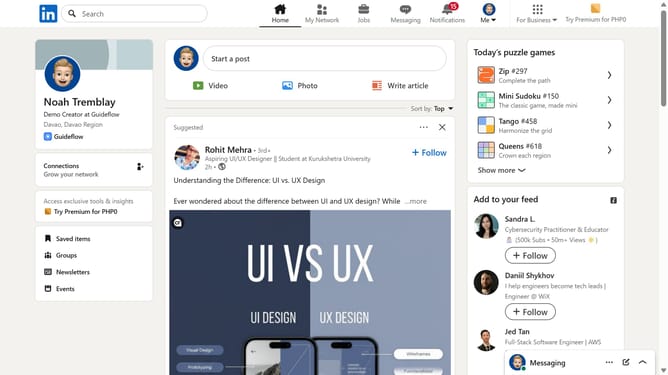
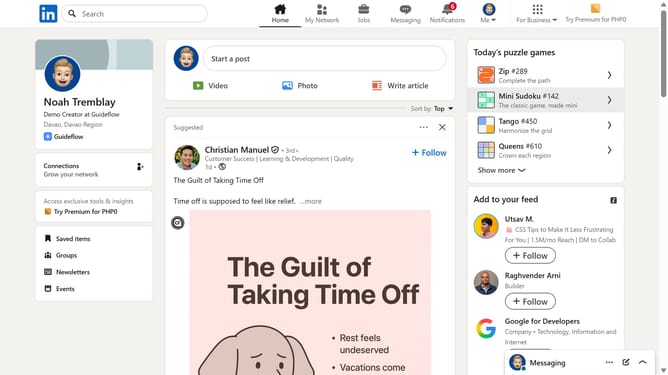
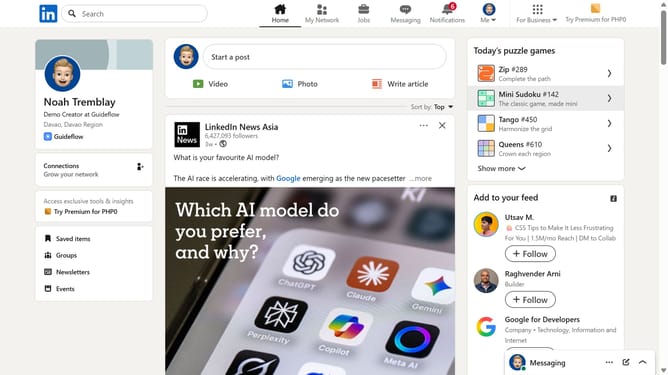
- First click on "Start a post" at the top of your LinkedIn homepage
- Then click on the "Schedule for later" button in the post creation dialog to access scheduling options
- Next click on the "View all scheduled posts" link in the schedule post dialog to see all scheduled posts
- Finally view all your scheduled post showing in the scheduled posts panel
Why should you access scheduled posts in LinkedIn
LinkedIn is the world's largest professional network, designed to connect professionals and foster career growth.
Accessing scheduled posts on LinkedIn is a breeze, allowing you to plan your content in advance and maintain consistency.
This feature is particularly useful for busy professionals aiming to engage their network without needing to post manually every day.
Scheduling posts ensures you stay active and visible, maximizing your reach and networking opportunities.
Last update