How to set Mini Sudoku activity to be visible to connections with score on LinkedIn
Here is how to set mini sudoku activity to be visible to connections with score on linkedin
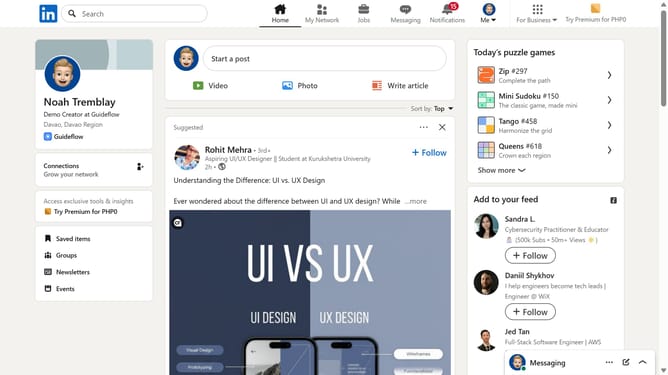
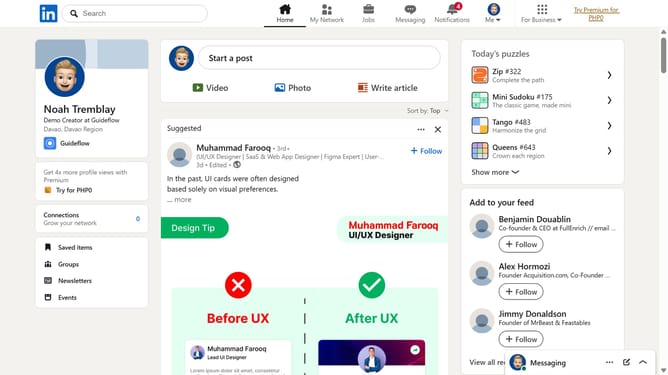
- First click on the "Mini Sudoku" game card in the right sidebar under "Today's puzzle games" section
- Then click on the "Settings" dropdown button in the top right corner of the game interface
- Next click on the "Who can see game activity" option in the settings menu
- Finally select the "Connections can see I played and my score" radio button option in the privacy settings dialog
Why should you set Mini Sudoku activity to be visible to connections with score on LinkedIn
LinkedIn serves as the premier platform for professional networking, enabling individuals to showcase their skills and connect with others in their industry.
By setting the Mini Sudoku activity to be visible to connections along with your score, you create an engaging profile detail that adds a personal touch. This feature not only displays your problem-solving abilities but also serves as a conversation starter with colleagues and potential connections.
Sharing such activities can enhance your professional persona, illustrating a balance between analytical skills and recreational interests, making you more relatable and memorable to your LinkedIn network.
Last update