How to submit a question in Copilot Chat on GitHub
Here is how to submit a question in copilot chat on github
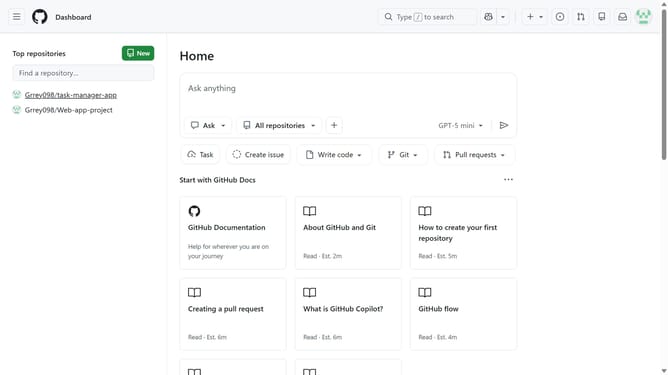
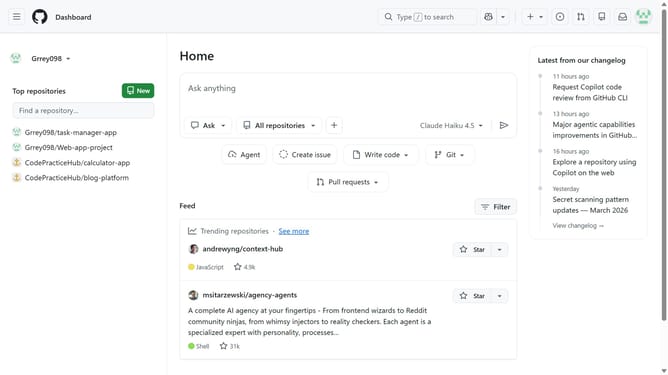
- First click on the "Copilot" button next to the search bar in the top navigation bar
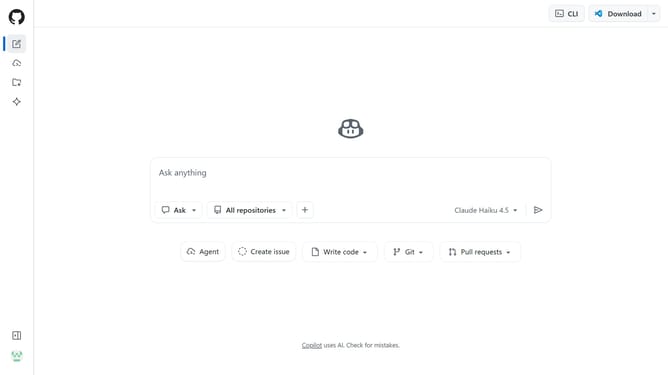
- Next click in the prompt box
- Then type your question and press "Enter"
- Finally you can review the response provided by Copilot Chat
Why should you submit a question in Copilot Chat on GitHub
GitHub is a leading platform for developers to collaborate, share, and manage their code projects effectively.
Submitting a question in Copilot Chat on GitHub is a seamless feature that encourages interaction and enhances problem-solving with AI assistance.
This feature empowers users by offering instant insights and solutions, fostering a collaborative coding environment. It allows developers to tackle challenges swiftly and make informed decisions.
Utilizing this feature ensures a smoother workflow, better understanding, and quicker resolution of programming queries.
Last update