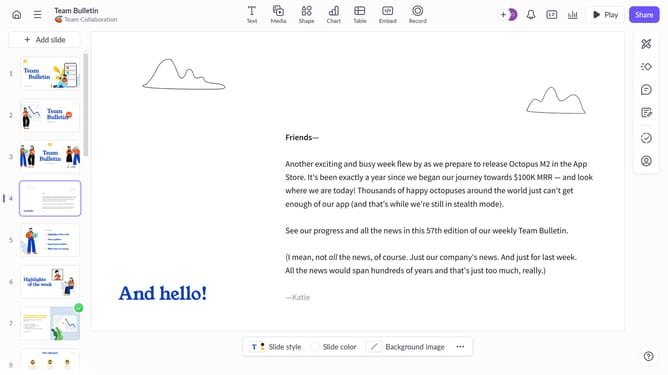
How to strikethrough text in speaker notes in Pitch
Here is how to strikethrough text in speaker notes in pitch
- First click the presentation you want to open
- Select the slide where you want to style your speaker notes
- Then click on the speaker notes icon in the right sidebar
- Highlight the text you want to format
- Finally click the "Strikethrough" (S) icon in the formatting toolbar
Why should you strikethrough text in speaker notes in Pitch
Pitch is an innovative collaboration platform designed to transform team presentations.
One handy feature it offers is the ability to strikethrough text in speaker notes, allowing you to easily manage and edit your notes while maintaining clarity.
Using strikethrough can help presenters mark out completed tasks or emphasize changes without removing previous text, which enhances organization and streamlines communication.
This feature contributes to more effective preparation and delivery, ensuring your presentation aligns perfectly with your goals.
Last update