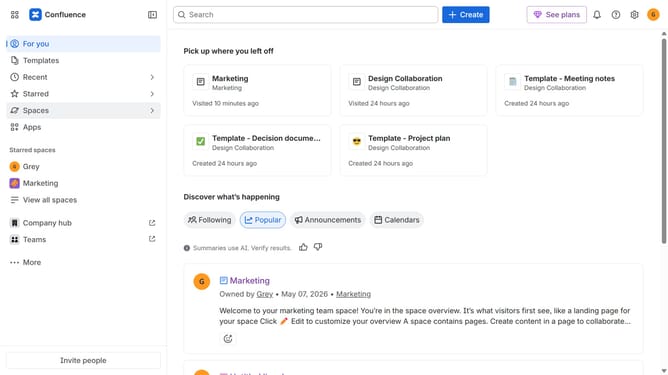
How to start a free trial of an app in Confluence
Here is how to start a free trial of an app in confluence
- First click on "Apps" in the navigation
- Next, select the "Explore more apps" option
- Then, search for or click on the app you want to install
- Click on the "Try it free" button
- Select the app edition and confirm the site where it will be installed
- Click on the "Review" button to proceed
- Review the app details, permissions, and other information carefully
- Finally, click on the "Start free trial" button
- A confirmation message will appear once the app has been successfully added
Why should you start a free trial of an app in Confluence
Confluence is a collaboration tool designed to help teams work smarter and faster.
Starting a free trial of an app in Confluence allows you to experience its robust functionalities firsthand. This feature gives you a chance to explore new tools and integrations without any long-term commitment.
Trying out these apps can enhance productivity by providing access to advanced features tailored to your team's needs. It's a risk-free way to discover tools that could streamline your workflow and foster innovation.
Last update