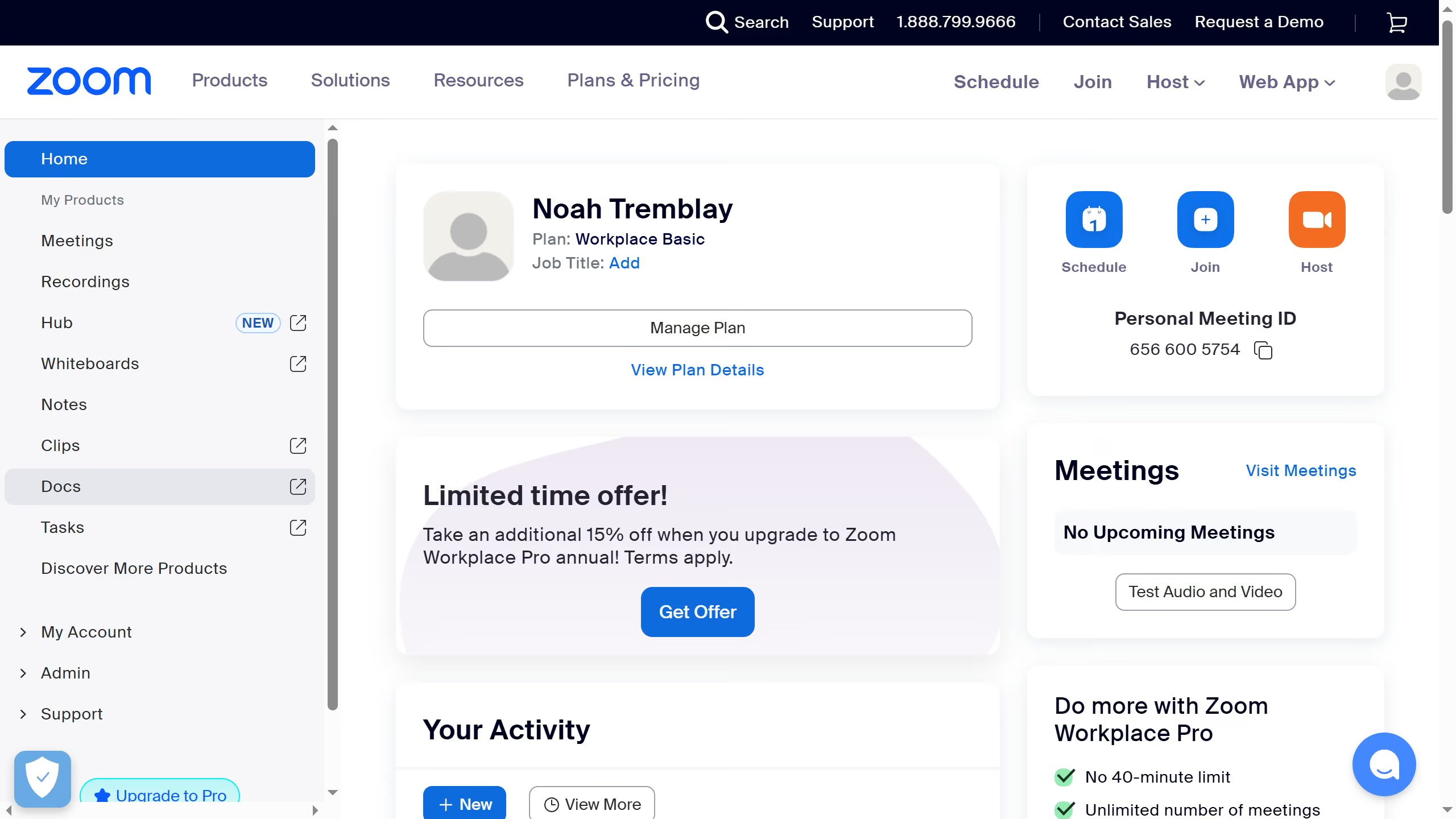
Here is how to star a note in zoom
- First click on the "Notes" option in the left sidebar menu
- Then find the note you want to star from the list
- Finally click the "Star" icon next to the note to mark it as starred


Create your own interactive guide with Guideflow
Zoom is a powerful platform designed to streamline virtual communication and collaboration effortlessly.
Among its array of features, starring a note in Zoom can significantly enhance meeting efficiency.
This feature allows users to highlight essential points or tasks, making it easier to revisit important information quickly.
By utilizing starred notes, you ensure critical details are not lost in the shuffle, aiding in better meeting follow-ups and increased productivity.
Why leading companies build with Guideflow