How to set your preferred name on Slite
Here is how to set your preferred name on slite
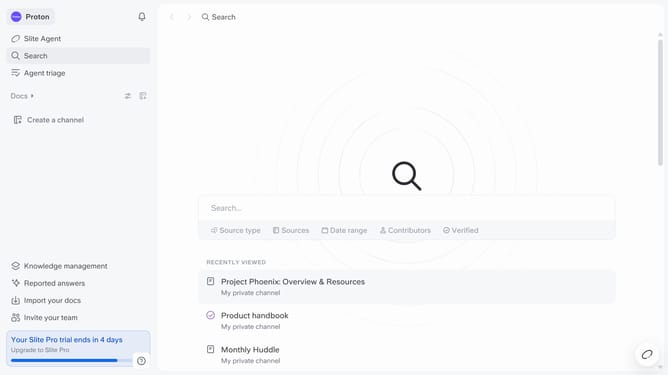
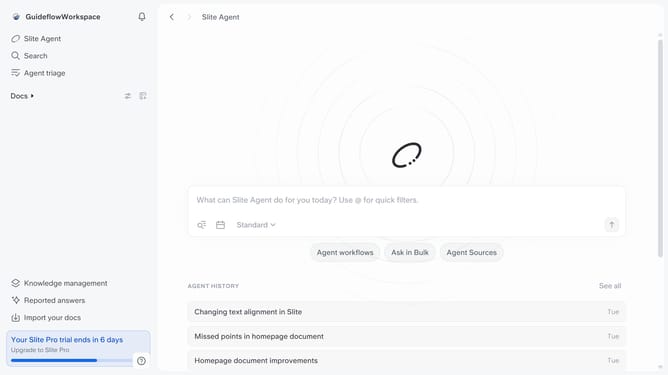
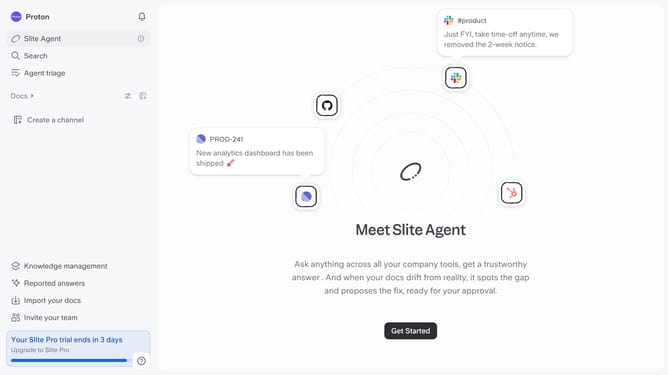
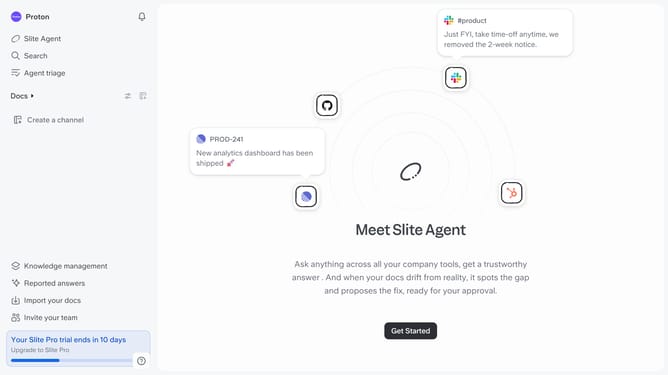
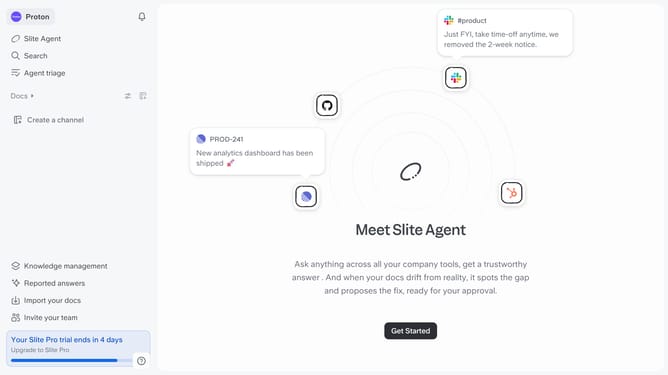
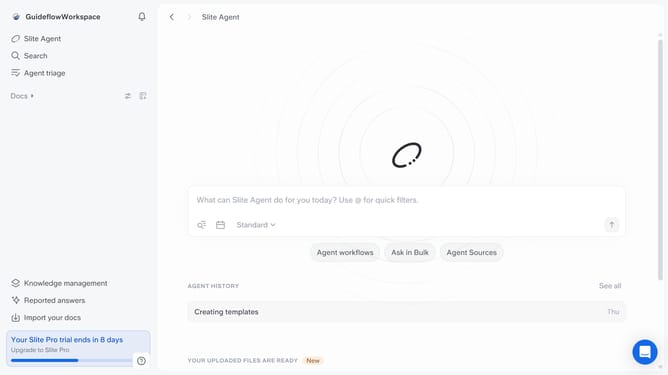
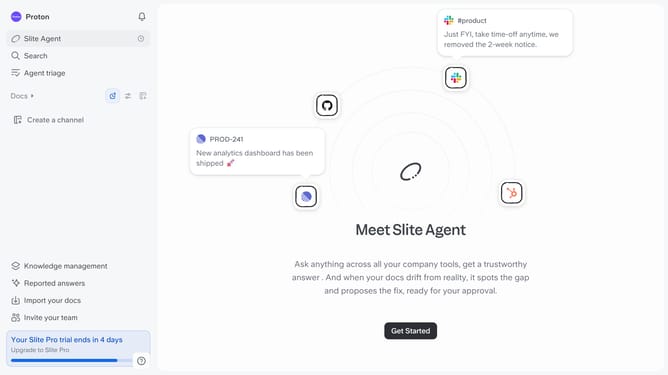
- First click on the name in the top left corner
- Then click on the "Settings" option in the left sidebar
- Next, click on the "Preferred Name" text field to edit your preferred name
- Finally click on the "Save changes" button
Why should you How to set your preferred name on Slite
Slite is a collaborative workspace designed to streamline team communication and documentation effortlessly.
Setting your preferred name on Slite allows you to personalize your workspace experience, making it feel more like your own digital environment. This feature enhances communication by displaying your chosen name to team members, promoting familiarity and comfort.
Using your preferred name fosters inclusivity within your team, as colleagues get to address you in a way that best represents your identity. It also minimizes confusion, ensuring clear and straightforward interactions.
Last update