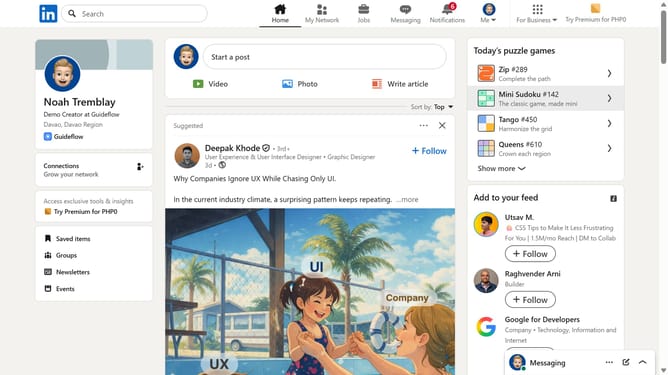
How to set Tango activity to be visible to connections without score on LinkedIn
Here is how to set tango activity to be visible to connections without score on linkedin
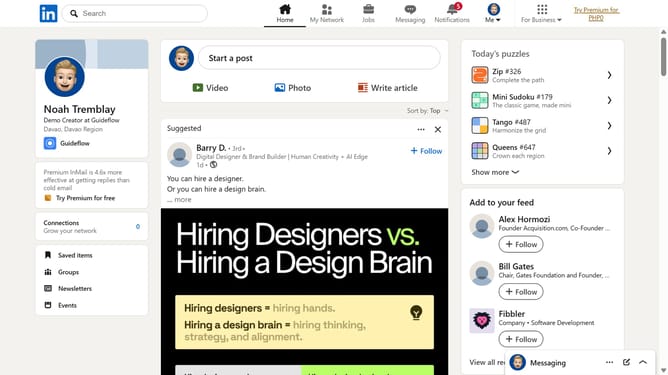
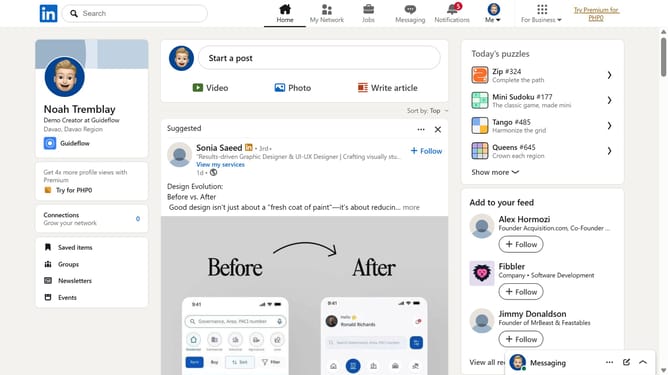
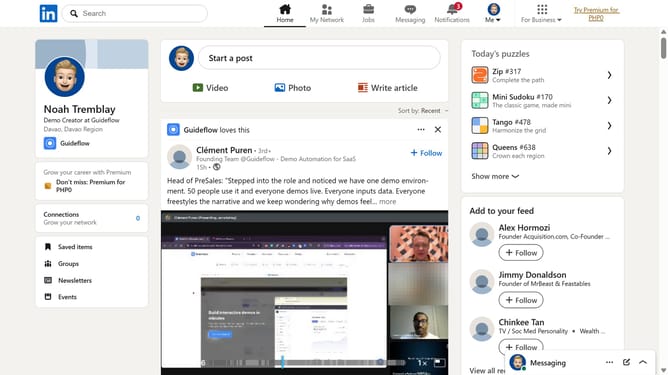
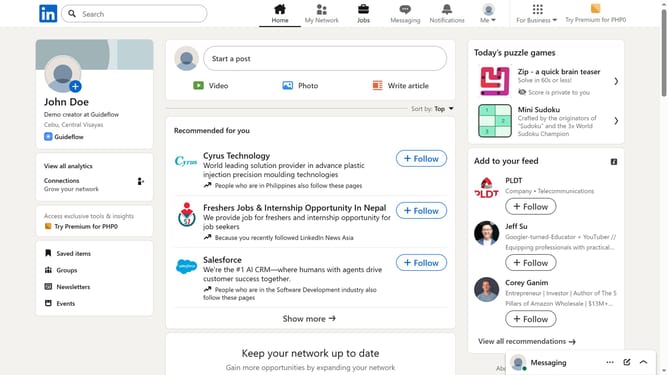
- First click on the "Tango" game card in the puzzle games section on the right sidebar
- Then click on the "Settings" dropdown button in the top right corner of the game interface
- Next click on the "Who can see your game activity?" option in the settings dropdown menu
- Finally select the "Connections can see I played" radio button option in the privacy settings dialog
Why should you set Tango activity to be visible to connections without score on LinkedIn
LinkedIn is a powerful networking platform designed to connect professionals worldwide.
The option to make Tango activity visible to connections without displaying a score on LinkedIn offers a discreet yet impactful way to share your professional achievements.
This feature ensures that you control the narrative around your activities, fostering a sense of openness without the pressure of competition.
By sharing your achievements in this manner, you enhance engagement with your network and create opportunities for meaningful professional connections.
Last update