How to delete job alerts in LinkedIn
Here is how to delete job alerts in linkedin
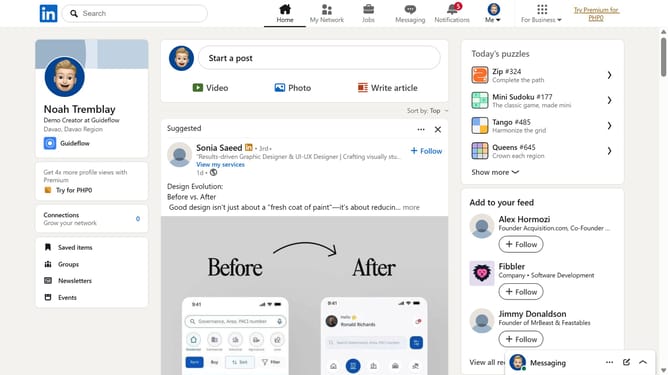
- First click on the "Jobs" icon in the top navigation bar
- Then click on "Preferences" in the left sidebar menu
- Next click on "Job alerts" option in the preferences modal
- Then click on the edit icon next to the job alert
- Next click on "Delete job alert" button at the bottom of the edit modal
- Finally click on "Delete" button in the confirmation popup to remove the job alert
Why should you delete job alerts in LinkedIn
LinkedIn is the premier social platform connecting professionals across the globe.
Utilizing the feature to delete job alerts on LinkedIn helps streamline your notifications, ensuring you're only receiving information relevant to your current career goals.
This feature allows you to manage your job search with precision, so you're not overwhelmed by unnecessary alerts.
By removing unnecessary alerts, you free up space for more pertinent opportunities, helping you focus on the next step in your professional journey.
Last update