How to set shared file links to be viewable only by you in Mixmax
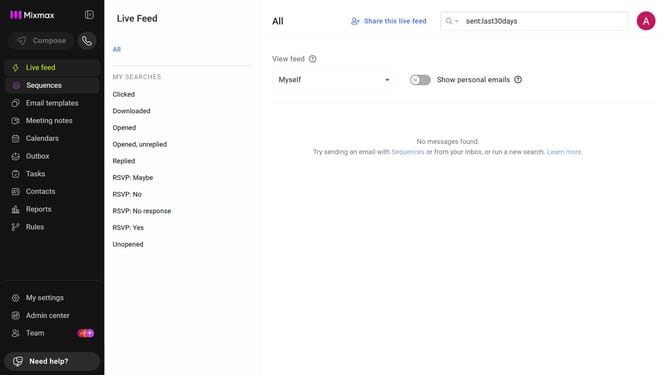
Here is how to set shared file links to be viewable only by you in mixmax
- First, click on "Admin center" in the sidebar menu
- In the sidebar, click on "Roles"
- Next, click on the "Mixmax" tab
- Then scroll down and locate the "Shared Files" section
- Finally select "Only me" option under "Viewable by"
Why should you set shared file links to be viewable only by you in Mixmax
Mixmax is a versatile email enhancement tool designed to maximize productivity and seamless communication.
One standout feature of Mixmax is the ability to control shared file link visibility, ensuring your files remain accessible only to you.
This function is pivotal for maintaining privacy and security, giving you peace of mind by safeguarding sensitive information.
By limiting access to your shared file links, you can confidently manage your content visibility, reducing the risk of unauthorized data access.
Last update