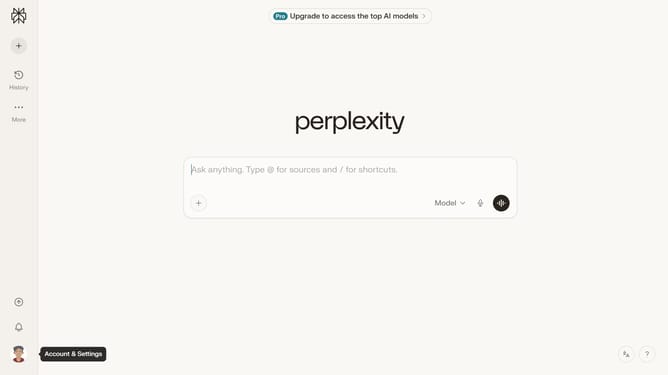
How to set price alert for Zscaler, Inc. in Perplexity
Here is how to set price alert for zscaler, inc. in perplexity
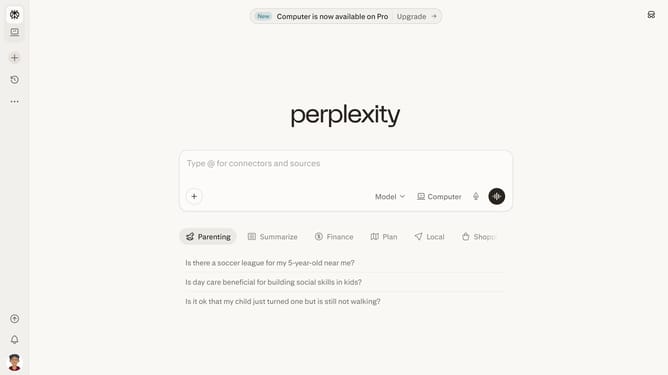
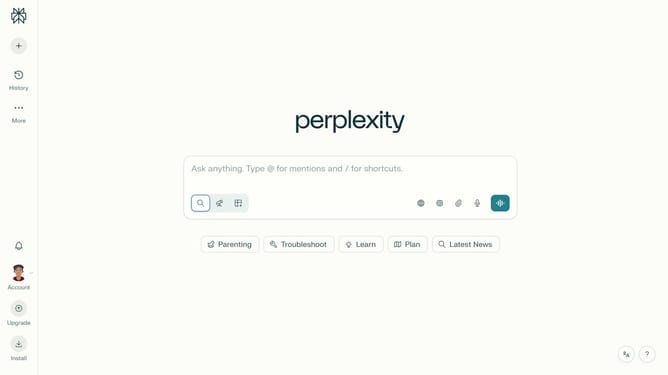
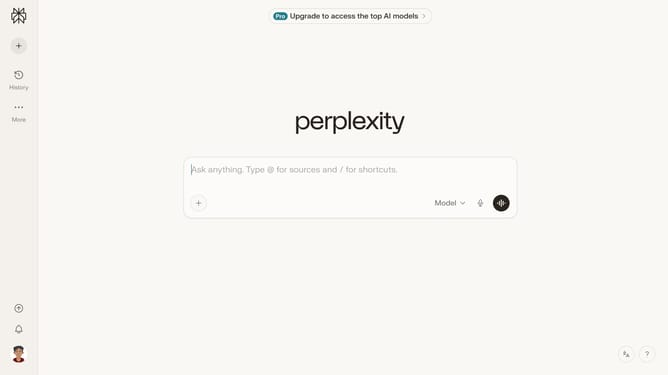
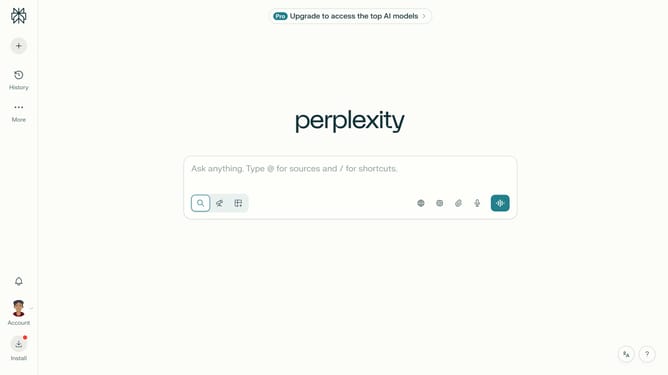
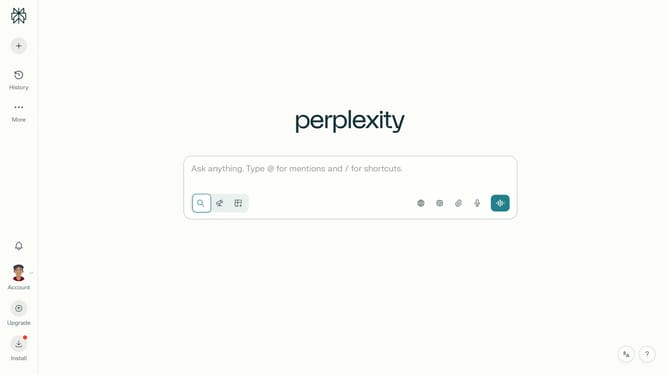
- First click on the account profile icon in the sidebar
- Then click on "Notifications" option in the user menu
- Next scroll down to view the "Price Alerts" section
- Then click on "New Alert" button in the "Price Alerts" section
- Then click on the asset search field and type "Zscaler, Inc."
- Then select "Zscaler, Inc." item from the dropdown list
- Next click on the target price input field and modify it to your desired price value
- Finally click on "Save" button to create the price alert
Why should you set price alert for Zscaler, Inc. in Perplexity
Perplexity is your go-to platform for transforming raw data into actionable insights swiftly and seamlessly.
With Perplexity’s price alert feature, staying informed about Zscaler, Inc.'s stock movements has never been easier. Simply setting a price alert ensures you are always in the loop without constantly checking market prices.
This feature is beneficial for savvy investors who want to strike the perfect balance between real-time updates and efficient decision-making while minimizing effort.
Ultimately, price alerts empower you to make informed decisions at just the right moment.
Last update