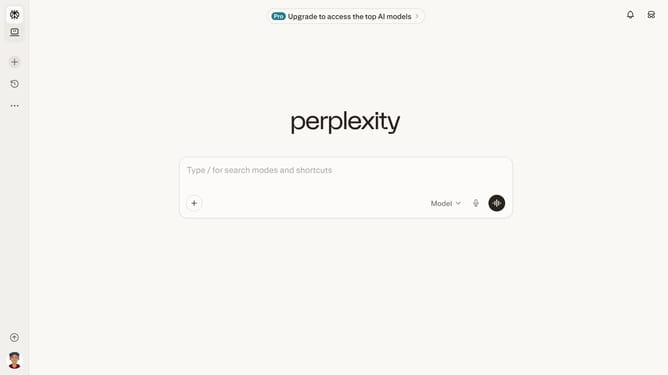
How to set price alert for CVS Health Corporation in Perplexity
Here is how to set price alert for cvs health corporation in perplexity
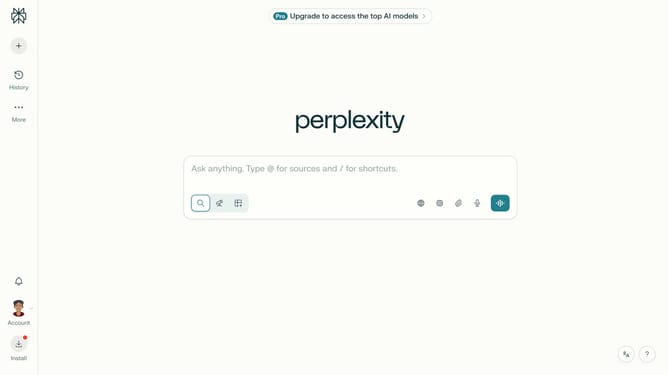
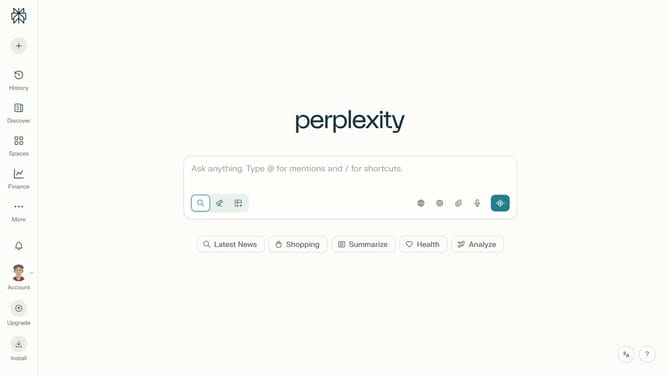
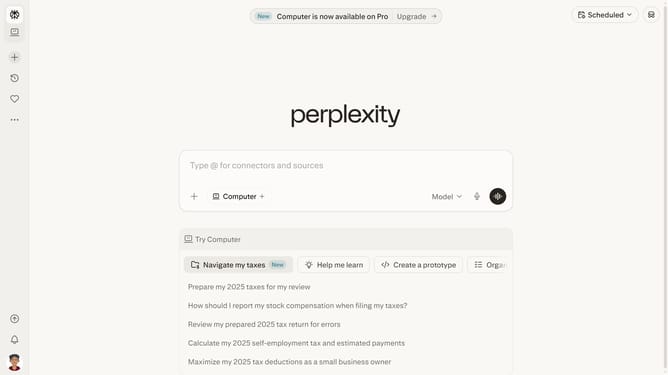
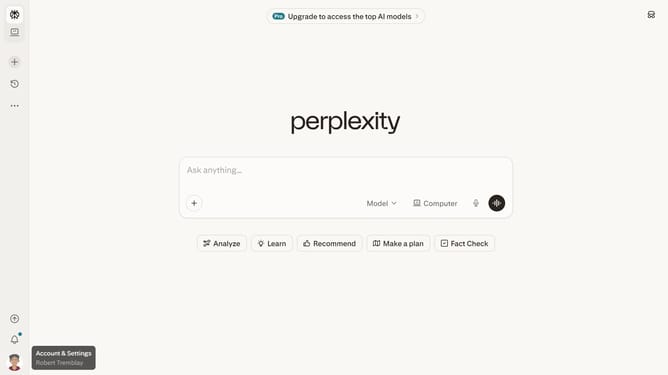
- First click on the account profile icon in the bottom left sidebar
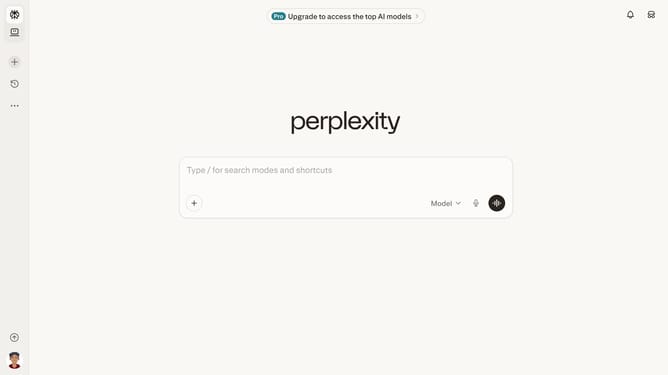
- Then click on "Notifications" menu item in the sidebar
- Next scroll down on the Notifications page
- Then click on "New Alert" button in the Price Alerts section
- Next click on the search field and type "CVS Health Corporation"
- Then click on "CVS Health Corporation" from the dropdown list
- Next click on the target price input field and modify it to your desired price value
- Finally click on "Save" button to save the price alert
Why should you set price alert for CVS Health Corporation in Perplexity
Perplexity is a cutting-edge platform designed to provide insightful information at your fingertips.
Setting a price alert for CVS Health Corporation in Perplexity ensures you're always up-to-date with market fluctuations. It offers a seamless experience to track stock prices, so you don't miss crucial investment opportunities.
Using this feature means you can stay informed and make timely decisions without constantly monitoring the stock market, enhancing your ability to strategize effectively.
The benefits of utilizing price alerts in Perplexity include saving time, reducing stress, and empowering you with actionable data to aid your financial planning.
Last update