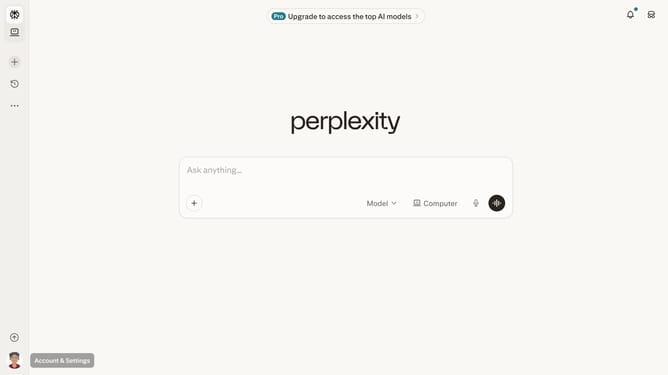
How to set price alert for Vale S.A. in Perplexity
Here is how to set price alert for vale s.a. in perplexity
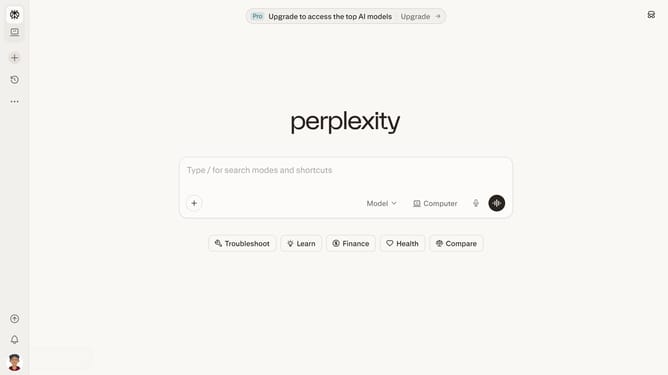
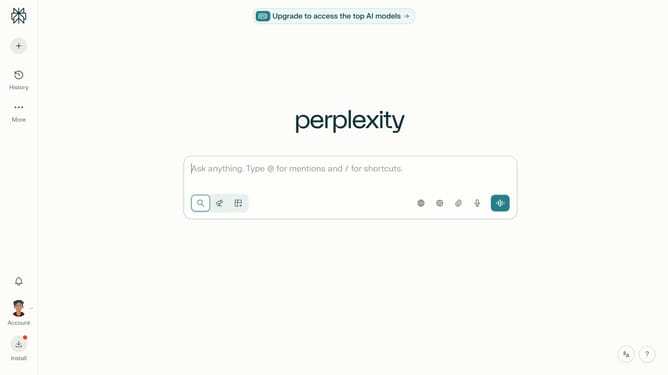
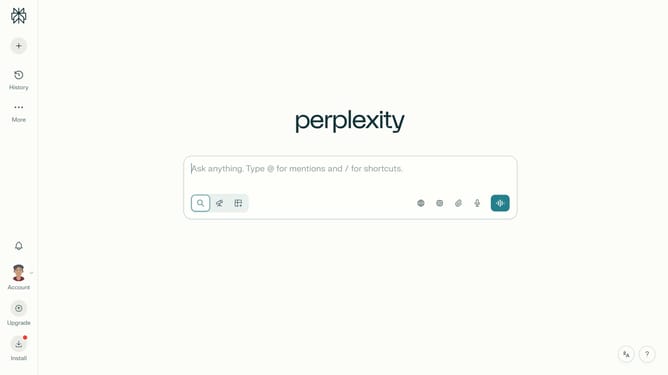
- First click on the account profile button in the sidebar to open the user menu
- Then click on "All settings" option in the user menu
- Then click on "Notifications" item in the left sidebar menu
- Then scroll down the notifications page to view the price alerts section
- Then click on "New Alert" button in the price alerts section
- Then click on the search field and type "Vale S.A."
- Then click on "Vale S.A" option from the dropdown list
- Next click on the target price input field and modify it to your desired price value
- Finally click on "Save" button to create the price alert
Why should you set price alert for Vale S.A. in Perplexity
Perplexity, an innovative platform designed for insightful financial analysis, offers a seamless way to set price alerts for stocks like Vale S.A.
By utilizing this feature, users can stay informed on crucial market movements without constantly monitoring stock prices.
This capability is invaluable for making timely investment decisions, ensuring you never miss out on optimal opportunities.
The convenience of setting up alerts within Perplexity supports proactive financial strategies, enhancing your market performance.
Last update