How to set price alert for State Street SPDR S&P MIDCAP 400 ETF Trust in Perplexity
Here is how to set price alert for state street spdr s&p midcap 400 etf trust in perplexity
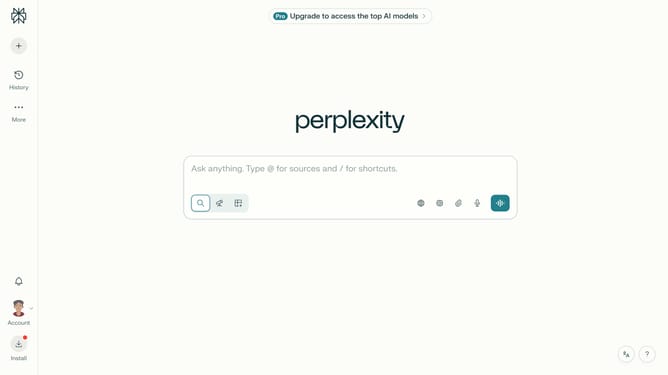
- First click on the account profile icon in the left sidebar
- Then click on "All settings" option in the sidebar menu
- Then click on "Notifications" option in the left sidebar
- Then scroll down the page to view the Price Alerts section
- Then click on "New Alert" button in the Price Alerts section
- Then click on the search field and type "State Street SPDR S&P MIDCAP 400 ETF Trust"
- Then select "State Street SPDR S&P MIDCAP 400 ETF Trust" from the dropdown list
- Then click on the target price input field and modify it to your desired price value
- Finally click on "Save" button to create the price alert
Why should you set price alert for State Street SPDR S&P MIDCAP 400 ETF Trust in Perplexity
Perplexity is a cutting-edge platform designed to simplify complex information for everyday users.
By setting up a price alert for the State Street SPDR S&P MIDCAP 400 ETF Trust within Perplexity, users can effortlessly monitor market fluctuations. This feature keeps investors informed in real-time, ensuring they never miss a strategic investment opportunity.
Utilizing Perplexity's price alerts means users can stay updated with minimal effort, making it a valuable tool for anyone looking to optimize their financial strategies efficiently.
Last update