How to turn on deep research and file creation in Perplexity
Here is how to turn on deep research and file creation in perplexity
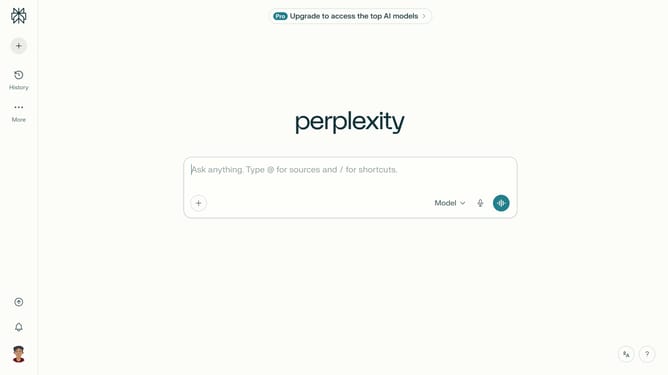
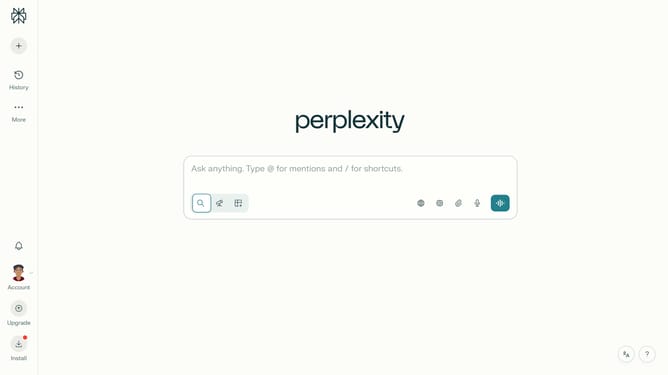
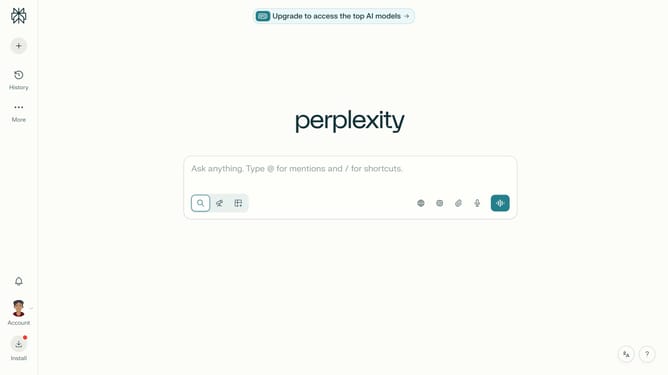
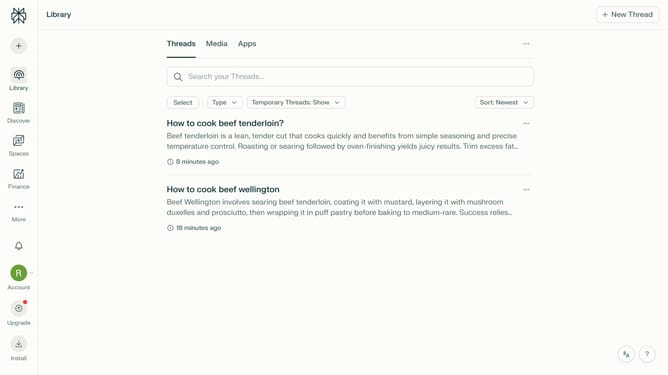
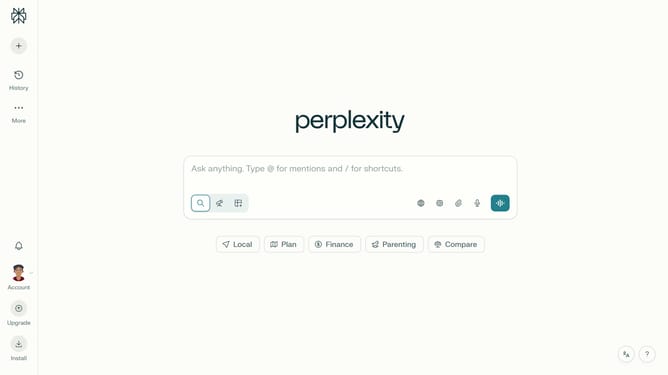
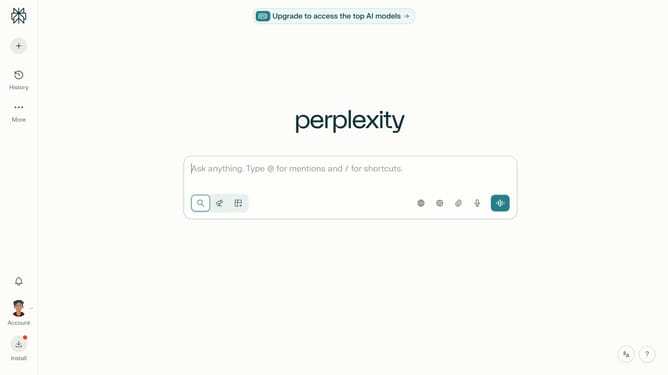
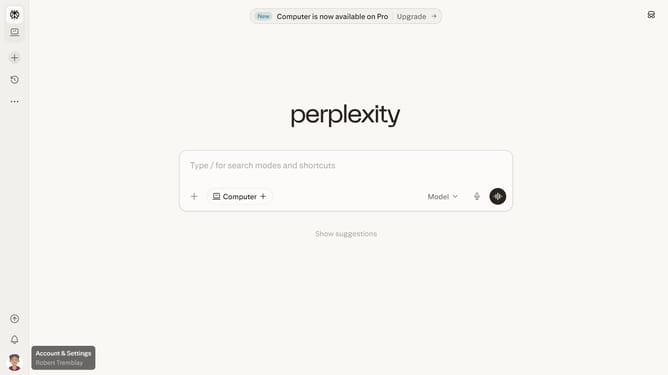
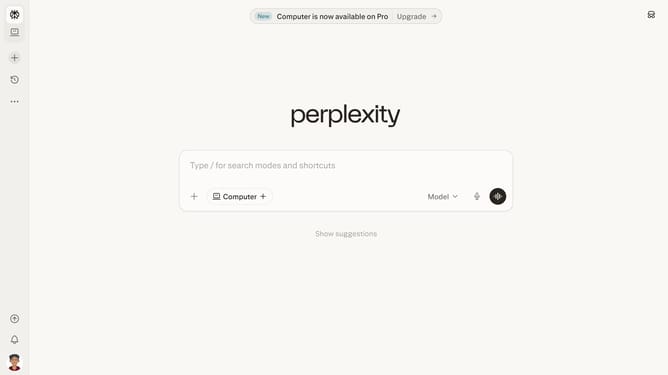
- First click on the account profile icon button in the left sidebar
- Then click on "All settings" option in the user menu
- Next click on "Notifications" option in the left sidebar
- Then scroll down the page to view more notification settings
- Finally click on the "Deep research and file creation" toggle to enable email notifications
Why should you turn on deep research and file creation in Perplexity
Perplexity is a cutting-edge platform designed to streamline and enhance your research processes.
Enabling deep research within Perplexity allows users to delve into intricate details effortlessly, providing comprehensive insights that power informed decision-making.
The file creation feature simplifies organization, enabling seamless documentation and easy sharing of findings, fostering collaborative environments and preserving valuable work efficiently.
These tools together maximize productivity and ensure users stay ahead in their research ventures, setting a new standard for digital efficiency.
Last update