How to set price alert for Zomato Limited in Perplexity
Here is how to set price alert for zomato limited in perplexity
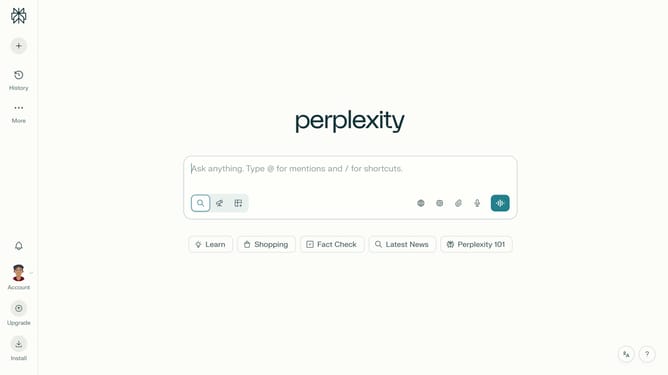
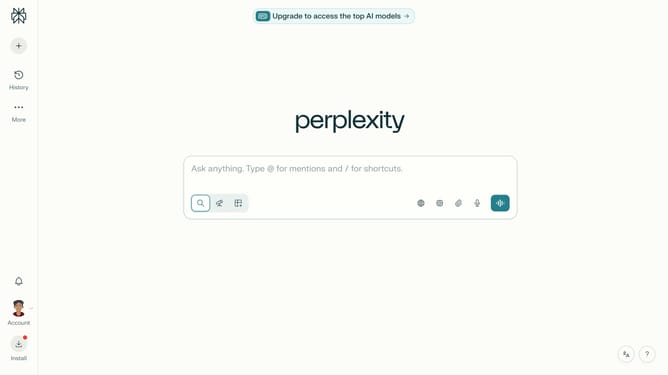
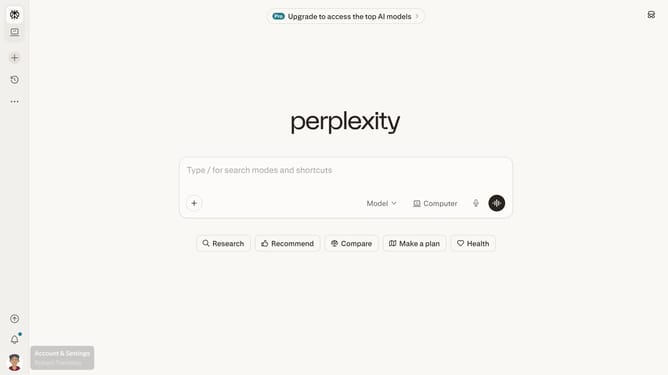
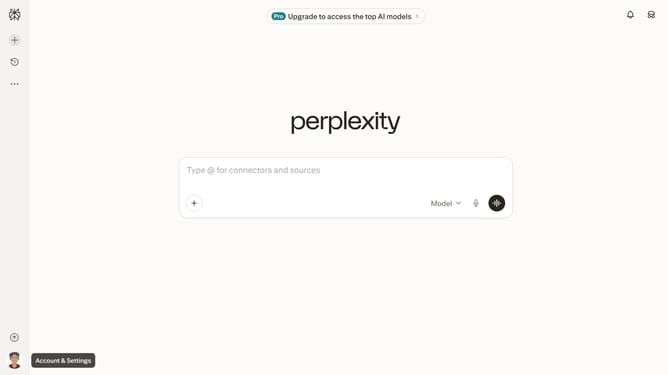
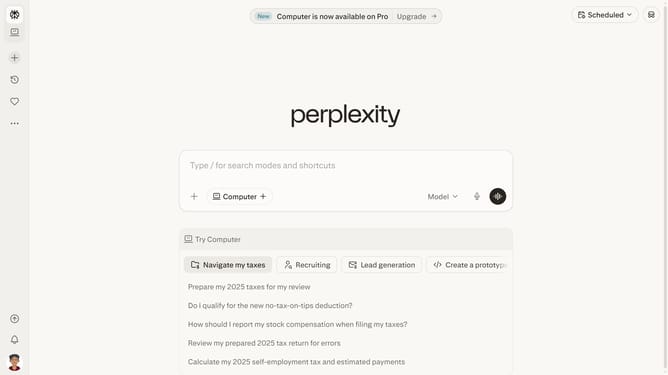
- First click on the account profile in the sidebar
- Then click on "Notifications" option in the menu
- Next scroll down the Notifications page
- Then click on the "New Alert" button in the Price Alerts section
- Next click on the search field and type "Zomato Limited"
- Then select "Zomato Limited" from the dropdown suggestions
- Next click on the target price input field and modify it to your desired price value
- Finally click on the "Save" button to create the price alert
Why should you set price alert for Zomato Limited in Perplexity
Perplexity serves as a dynamic tool designed to enhance decision-making with precision.
Setting a price alert for Zomato Limited in Perplexity offers a streamlined way to keep track of market changes effortlessly. By activating this feature, users gain the advantage of staying updated on stock price movements without the need for constant manual checking.
Utilizing price alerts minimizes the risk of missing crucial market shifts, providing timely notifications that align with personal investment strategies and goals, ultimately aiding in making informed financial decisions.
Last update