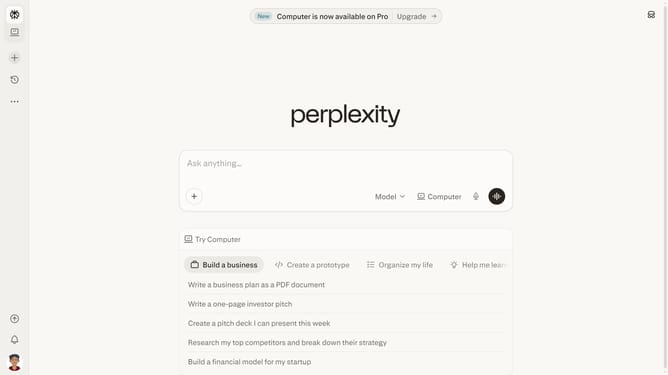
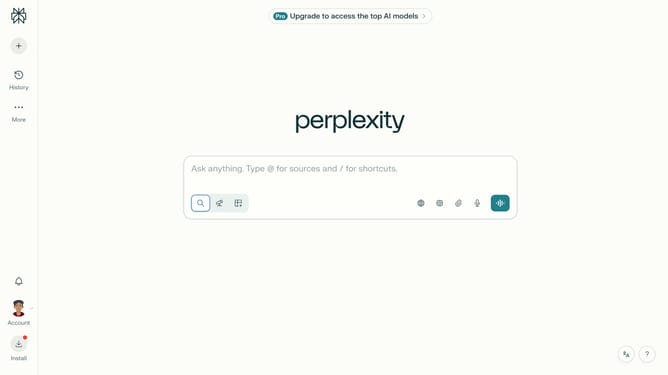
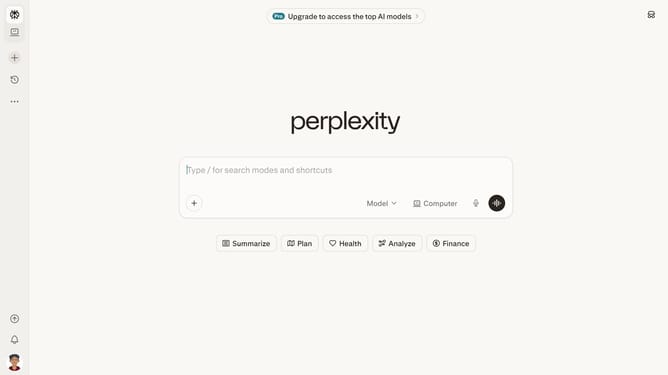
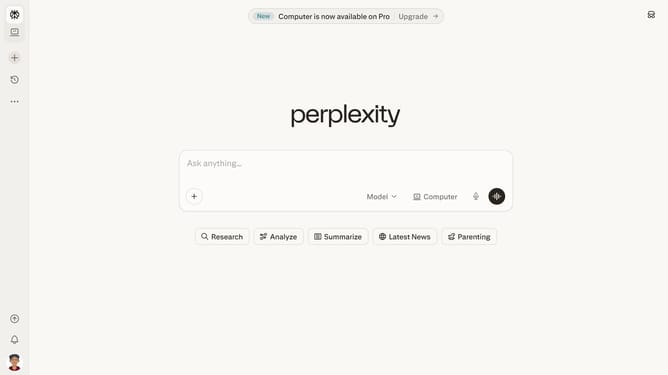
How to set price alert for Vanguard Intermediate-Term Corporate Bond Index Fund in Perplexity
Here is how to set price alert for vanguard intermediate-term corporate bond index fund in perplexity
- First click on account profile button in the sidebar
- Then click on "All settings" option in the settings menu
- Next click on "Notifications" item in the left sidebar
- Then scroll down the page to view more notification options
- Next click on "New Alert" button in the Price Alerts section
- Then click on the search field and type "Vanguard Intermediate-Term Corporate Bond Index"
- Next select "Vanguard Intermediate-Term Corporate Bond Index Fund" from the dropdown list
- Next click on the target price input field and modify it to your desired price value
- Finally click on "Save" button to create the price alert
Why should you set price alert for Vanguard Intermediate-Term Corporate Bond Index Fund in Perplexity
Perplexity is an intuitive tool designed to simplify data insights and improve decision-making.
When monitoring investments like the Vanguard Intermediate-Term Corporate Bond Index Fund, setting a price alert in Perplexity keeps you informed about market movements effortlessly.
Using this feature ensures timely updates without constant monitoring, allowing for proactive financial adjustments. The benefit is clear: real-time alerts provide peace of mind, optimizing investment strategies smoothly.
Last update