How to set price alert for 3M Company in Perplexity
Here is how to set price alert for 3m company in perplexity
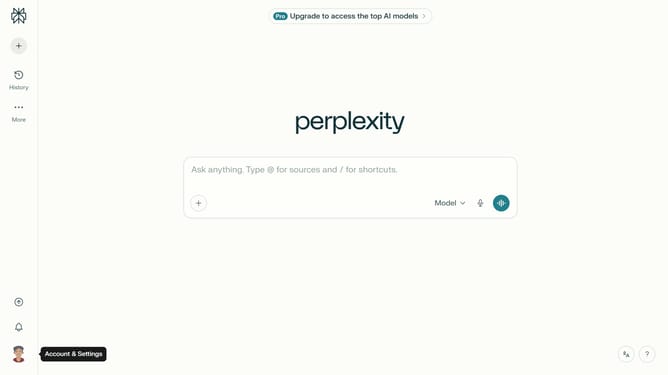
- First click on the profile icon button in the left sidebar to open the user menu
- Then click on "All settings" option in the left sidebar menu
- Next click on "Notifications" option in the left sidebar to view notification settings
- Then scroll down to view the Price Alerts section
- Then click on "New Alert" button in the Price Alerts section
- Next click on the asset search field and type "3M Company"
- Then click on the "3M Company" option from the dropdown results
- Then click on the target price input field and modify it to your desired price value
- Finally click on the "Save" button to create the price alert
Why should you set price alert for 3M Company in Perplexity
Perplexity is an intuitive tool designed to simplify and enhance the financial decision-making process.
Setting a price alert for 3M Company in Perplexity is a seamless feature that helps you stay informed without having to constantly monitor stock prices.
This feature is particularly beneficial for investors and traders who want to be notified when specific price points are reached, ensuring they can make timely decisions.
With real-time alerts, you'll never miss an opportunity to buy or sell according to your financial strategy.
Last update