How to enable computer tasks email notification in Perplexity
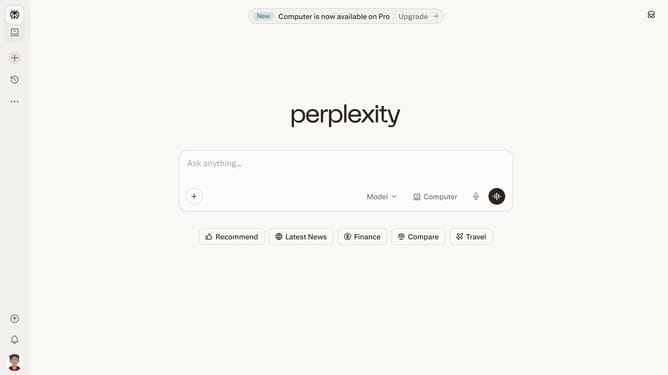
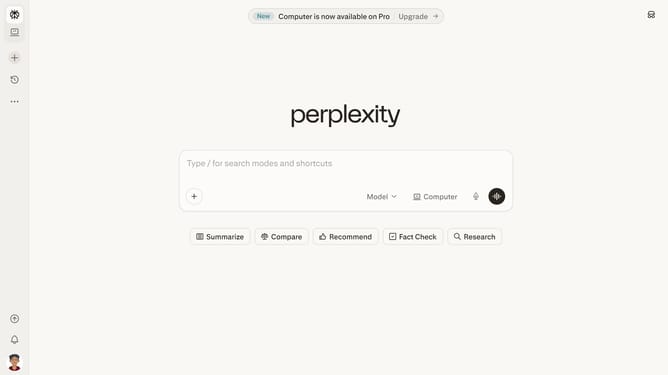
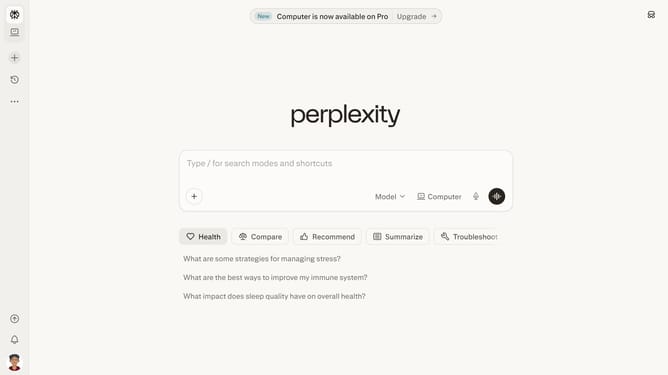
Here is how to enable computer tasks email notification in perplexity
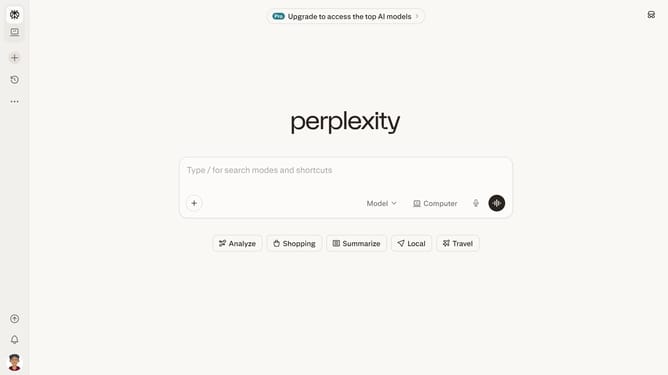
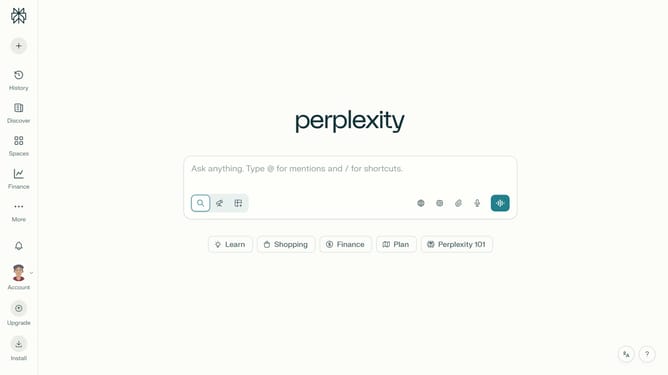
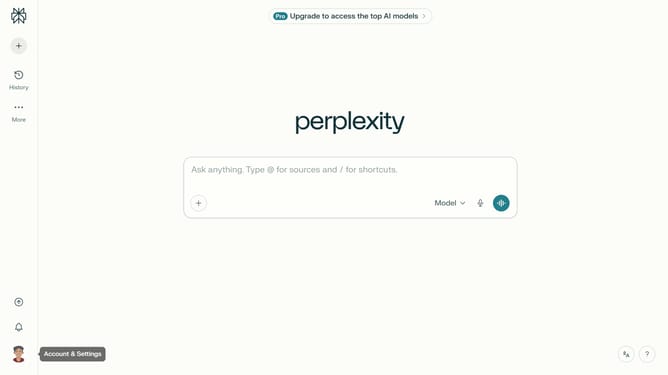
- First click on the account profile icon button in the left sidebar
- Then click on "All settings" option in the sidebar menu
- Next click on "Notifications" option in the left sidebar
- Then scroll down the notifications page
- Finally click on the "Computer Tasks" toggle switch to enable email notifications
Why should you enable computer tasks email notification in Perplexity
Perplexity is a cutting-edge platform that streamlines digital tasks and enhances productivity.
Enabling computer tasks email notification in Perplexity is a powerful way to stay organized and efficient.
This feature ensures you receive timely email alerts, helping you track tasks effortlessly and manage your workload.
Utilizing this feature means never missing out on crucial task updates, thereby boosting your productivity and efficiency.
Last update