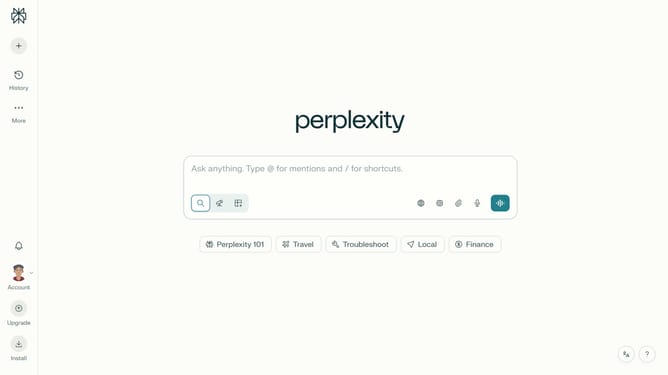
How to set price alert for Monero USD in Perplexity
Here is how to set price alert for monero usd in perplexity
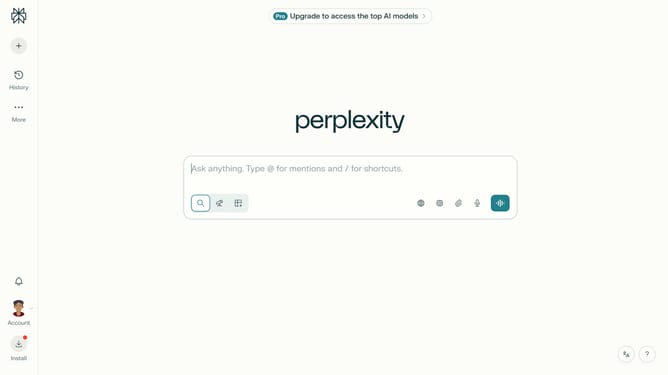
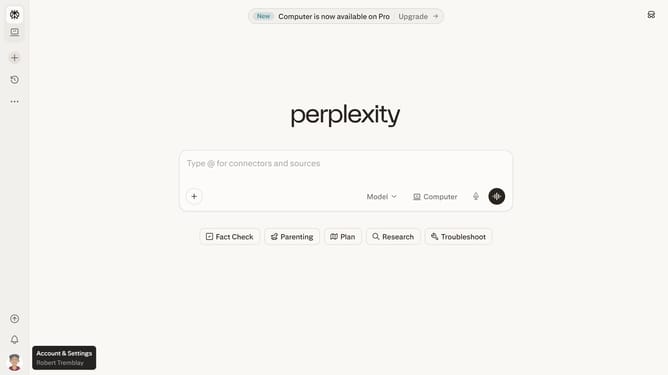
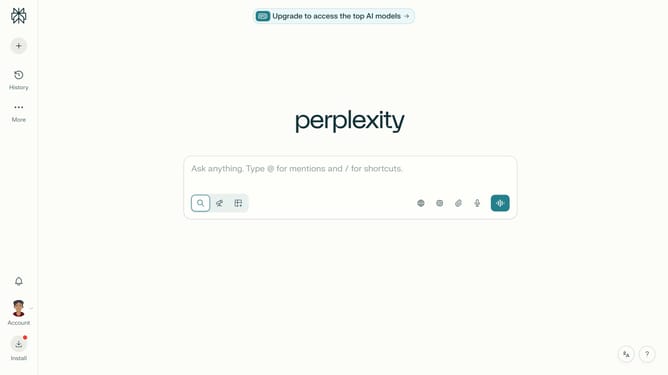
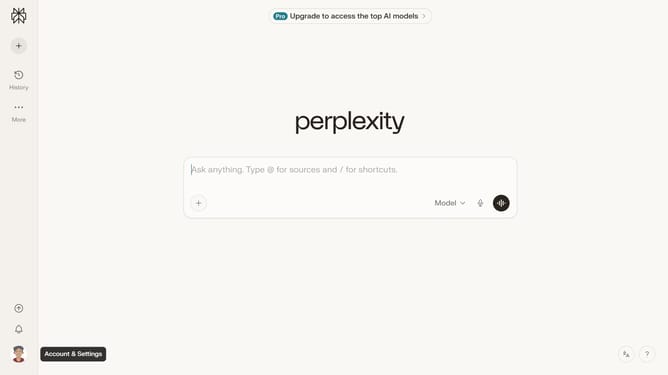
- First click on the account profile button in the sidebar to open the user menu
- Then click on "All settings" option in the sidebar menu
- Next click on "Notifications" option in the left sidebar
- Then scroll down the page to view the Price Alerts section
- Next click on the "New Alert" button in the Price Alerts section
- Then click on the search field and type "Monero USD"
- Next select "Monero USD" from the dropdown list of assets
- Then click on the target price input field and modify it to your desired price value
- Finally click on the "Save" button to create the price alert
Why should you set price alert for Monero USD in Perplexity
Perplexity stands as a versatile platform designed to enhance your financial decision-making process through real-time insights and updates.
Setting a price alert for Monero USD in Perplexity is a straightforward feature that allows users to stay informed about market fluctuations without having to continuously monitor the prices manually. This capability ensures that you're always up-to-date with the latest market conditions.
Utilizing this feature can be particularly beneficial for investors looking to optimize their trading strategies by acting quickly when the price hits a desirable level, maximizing potential profits or limiting losses.
Last update