How to set price alert for CES China HK Mainland Index in Perplexity
Here is how to set price alert for ces china hk mainland index in perplexity
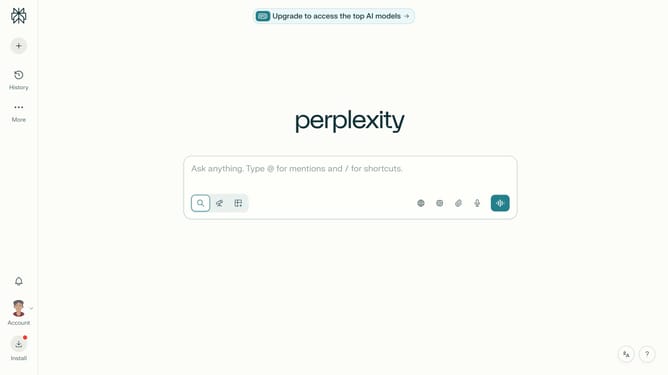
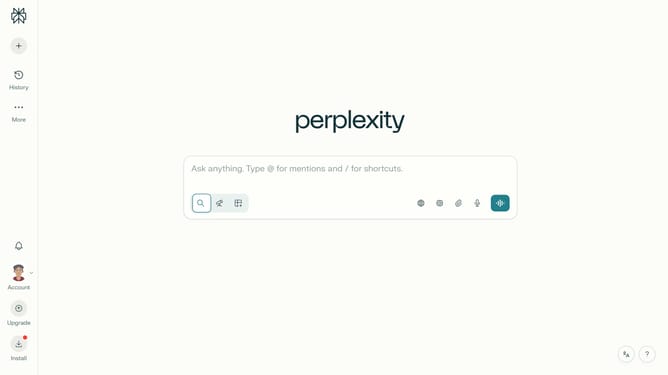
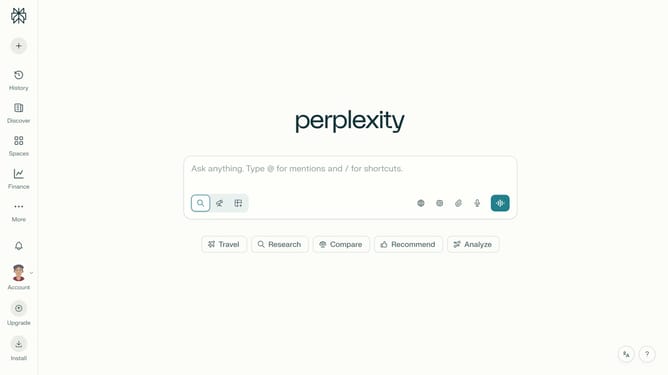
- First click on the profile icon button in the left sidebar to open the settings menu
- Then click on "All settings" option in the sidebar menu
- Then click on "Notifications" option in the left sidebar
- Then scroll down the notifications page to view price alerts section
- Then click on "New Alert" button in the price alerts section
- Then click on the search field and type "CES China HK Mainland Index"
- Then select "CES China HK Mainland Index" from the dropdown suggestions
- Then click on the target price input field and modify it to your desired price value
- Finally click on "Save" button to save the price alert
Why should you set price alert for CES China HK Mainland Index in Perplexity
Perplexity is a versatile platform designed to keep you informed with real-time data and insights tailored to your interests.
One of its standout features is the ability to set a price alert for the CES China HK Mainland Index, ensuring you never miss a crucial market movement.
By setting these alerts, you gain immediate awareness of price fluctuations, helping you make informed decisions quickly.
This functionality brings ease and efficiency to managing your investments, providing clarity and fostering confidence in your financial strategies.
Last update