How to set price alert for Morgan Stanley in Perplexity
Here is how to set price alert for morgan stanley in perplexity
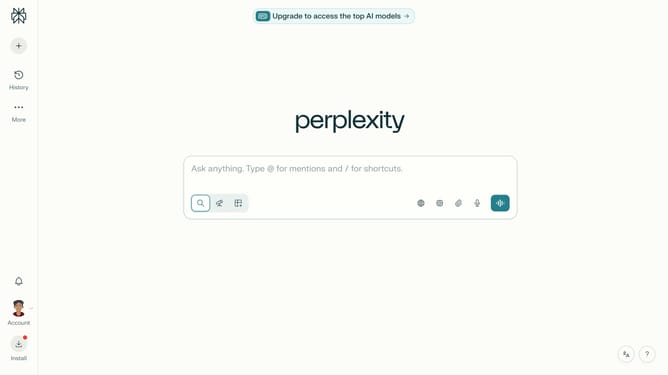
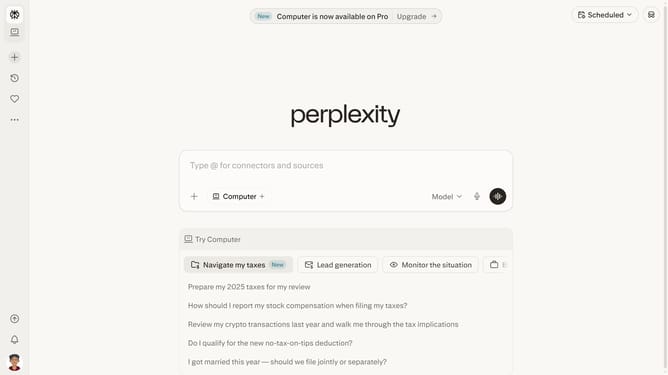
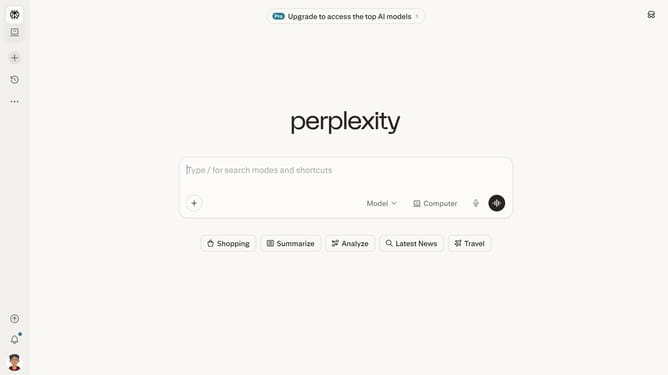
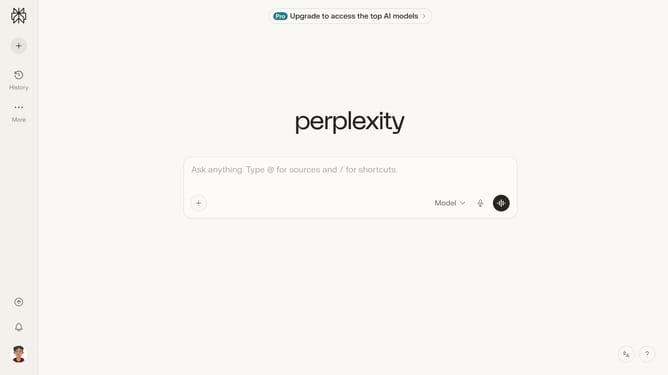
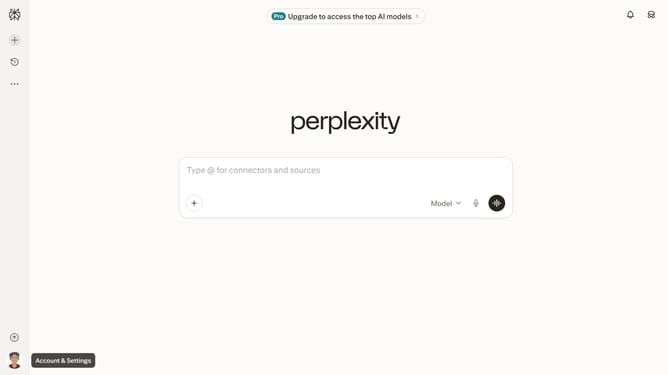
- First click on the account profile button in the left sidebar
- Then click on "All settings" option in the user menu
- Then click on "Notifications" item in the left sidebar navigation
- Then scroll down to view the Price Alerts section
- Then click on "New Alert" button in the Price Alerts section
- Then click on the search input field and type "Morgan Stanley" from the dropdown
- Then click on the "Morgan Stanley" from the dropdown list
- Then click on the target price input field and modify it to your desired price value
- Finally click on "Save" button to save the price alert
Why should you set price alert for Morgan Stanley in Perplexity
Perplexity is a cutting-edge information platform designed to streamline your access to essential data.
Setting a price alert for Morgan Stanley within Perplexity ensures you stay informed without constant monitoring, allowing you to react swiftly to financial opportunities or market shifts.
By configuring alerts, you're equipped to optimize investment strategies effectively, benefiting from timely notifications tailored to meet your specific financial goals.
Last update