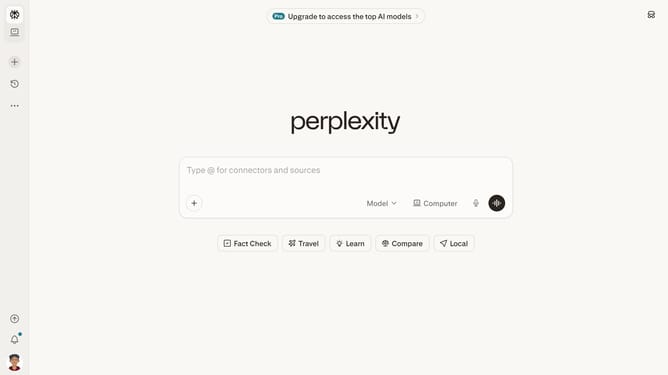
How to set price alert for Vanguard Total World Stock Index Fund in Perplexity
Here is how to set price alert for vanguard total world stock index fund in perplexity
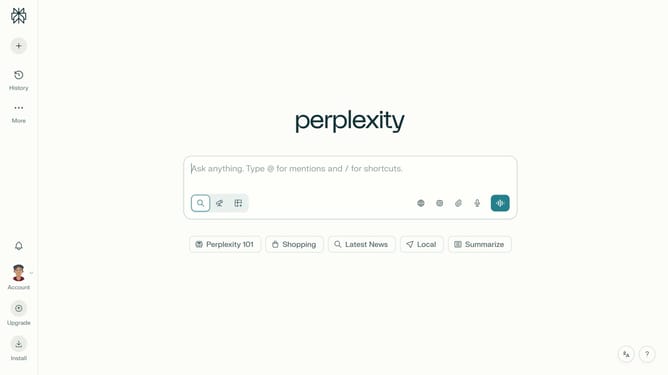
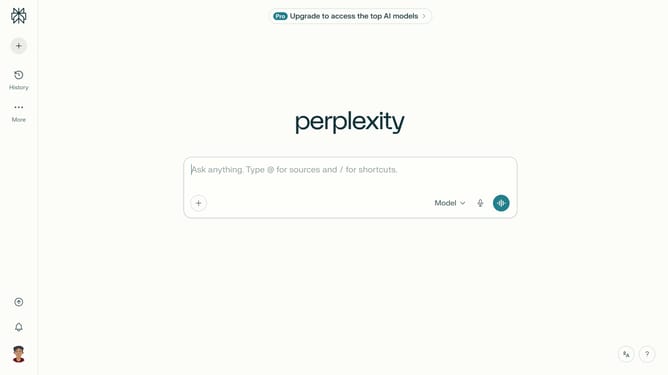
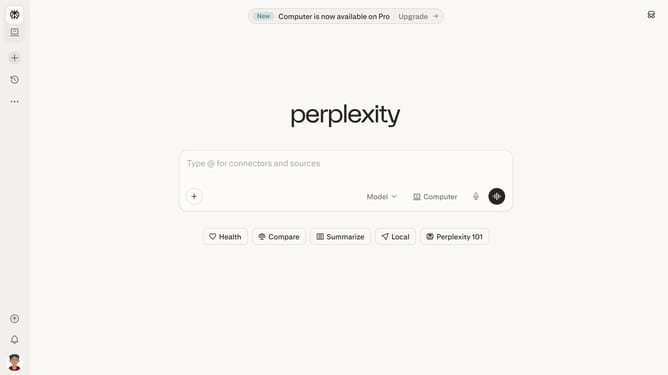
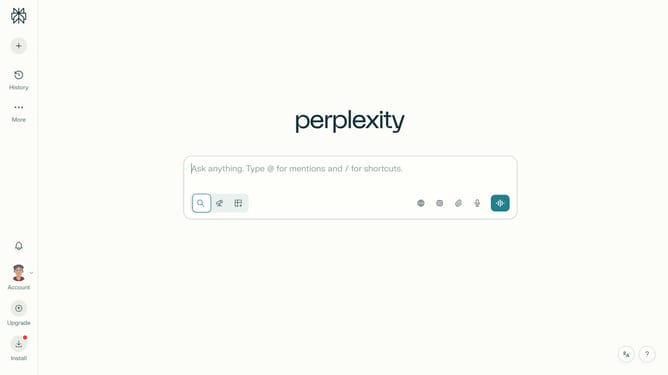
- First click on the account profile button in the left sidebar
- Then click on "All settings" option in the user menu
- Next click on "Notifications" option in the left sidebar under Account section
- Then scroll down to view more options
- Next click on "New Alert" button under the Price Alerts section
- Then click on the search field and type "Vanguard Total World Stock Index Fund"
- Then click on "Vanguard Total World Stock Index Fund" from the dropdown results
- Next click on the target price input field and modify it to your desired price value
- Finally click on "Save" button to save the price alert
Why should you set price alert for Vanguard Total World Stock Index Fund in Perplexity
Perplexity is an intuitive platform designed to bring clarity to investing decisions with ease.
The ability to set a price alert for the Vanguard Total World Stock Index Fund within Perplexity ensures you stay informed about vital market movements.
This feature significantly enhances your investment strategy by providing timely notifications, allowing you to act swiftly when your targeted price is reached.
Using price alerts in Perplexity not only saves time but also empowers you to maintain control over your investment portfolio effortlessly.
Last update