How to set price alert for Best Buy Co., Inc. in Perplexity
Here is how to set price alert for best buy co., inc. in perplexity
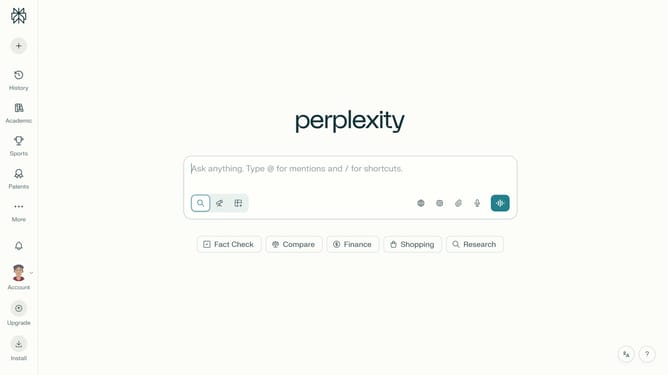
- First click on account profile button in the sidebar
- Then click on "All settings" option in the user menu
- Then click on "Notifications" option in the left sidebar menu
- Then scroll down the notifications page to view more options
- Then click on "New Alert" button in the Price Alerts section
- Then click on the search field and type "Best Buy Co., Inc."
- Then select "Best Buy Co., Inc." from the dropdown list
- Next click on the target price input field and modify it to your desired price value
- Finally click on "Save" button to confirm the price alert
Why should you set price alert for Best Buy Co., Inc. in Perplexity
Perplexity is a cutting-edge platform designed to make complex information more accessible and actionable for everyone.
Setting a price alert for Best Buy Co., Inc. in Perplexity empowers users to stay ahead of market changes effortlessly.
By activating this feature, you ensure you are promptly notified of price shifts, helping you make informed purchasing or investment decisions right when they matter most.
Leveraging these alerts optimizes your ability to act strategically, saving time and potentially maximizing savings or profits.
Last update