How to set price alert for MetLife, Inc. in Perplexity
Here is how to set price alert for metlife, inc. in perplexity
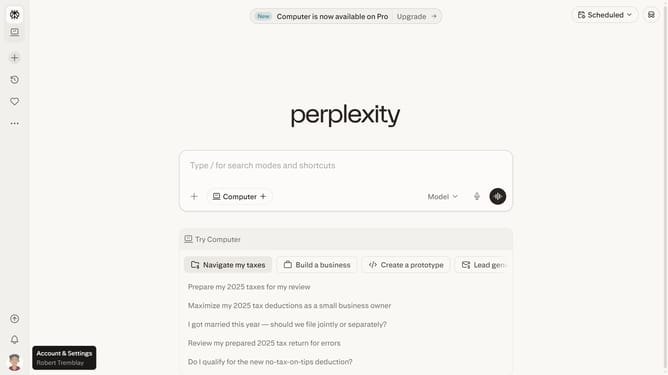
- First click on the profile icon in the bottom-left sidebar to open the user menu
- Then click on the "All settings" option in the user menu
- Next click on the "Notifications" item in the left sidebar
- Then scroll down to view the "Price Alerts" section
- Next click on the "New Alert" button to create a new price alert
- Then click on the search input field and type "MetLife, Inc."
- Next click on the "MetLife, Inc." option from the dropdown list
- Then click on the target price input field and modify it to your desired price value
- Finally click on the "Save" button to save the price alert
Why should you set price alert for MetLife, Inc. in Perplexity
Perplexity is an intuitive platform designed to simplify your data-driven decisions.
Setting a price alert for MetLife, Inc. in Perplexity is a straightforward way to monitor stock movements without constant checking.
This feature allows users to stay informed when MetLife's stock reaches a preset threshold, enhancing both convenience and time management.
Utilizing this feature ensures you remain agile in your investment strategy, ready to act on key price changes as they happen.
Last update