How to set price alert for Bitget Token USD in Perplexity
Here is how to set price alert for bitget token usd in perplexity
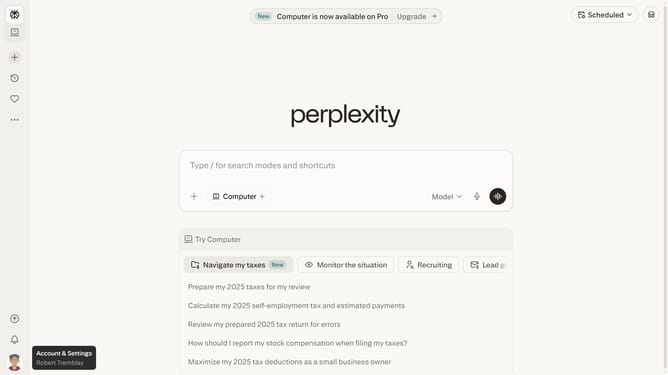
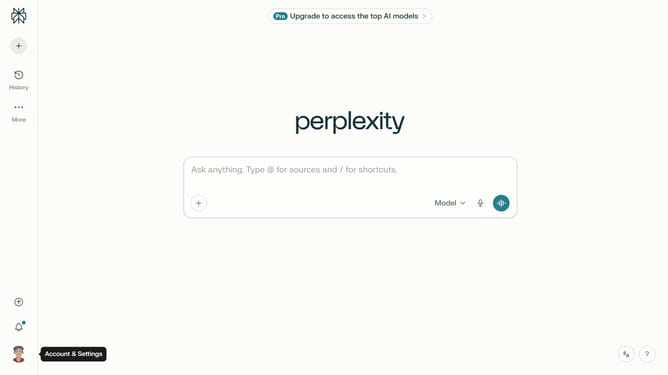
- First click on the account profile icon in the bottom left sidebar
- Then click on "All settings" option in the user menu
- Next click on "Notifications" menu item in the left sidebar
- Then scroll down the notifications page to view price alerts section
- Next click on "New Alert" button in the Price Alerts section
- Then click on the search field in the price alert modal and type "Bitget Token USD"
- Next select "Bitget Token USD" from the search results dropdown
- Next click on the target price input field and modify it to your desired price value
- Finally click on "Save" button to confirm the price alert
Why should you set price alert for Bitget Token USD in Perplexity
Perplexity is an intuitive platform designed to enhance your digital information experience through intelligent insights.
Setting a price alert for Bitget Token USD in Perplexity ensures you are always informed of market fluctuations. This feature helps you track your investments seamlessly, providing timely notifications right at your fingertips.
Using these alerts benefits individuals by eliminating the need for constant manual checks, allowing you to focus on other essential tasks while staying in sync with market trends effortlessly.
Stay ahead with Perplexity's alert system, gauging market movement as it happens, ensuring smart and informed investment decisions.
Last update