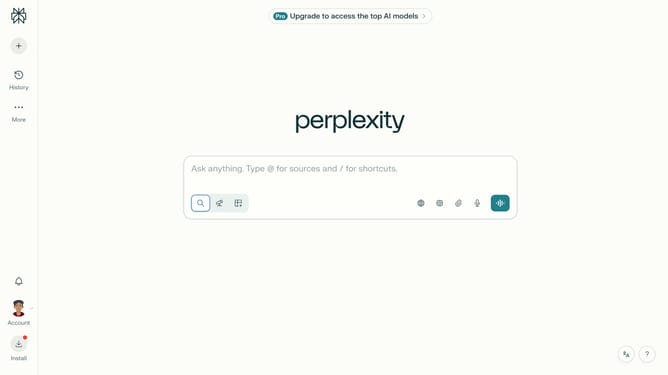
How to set price alert for Vanguard Total Intl Stock Idx Fund in Perplexity
Here is how to set price alert for vanguard total intl stock idx fund in perplexity
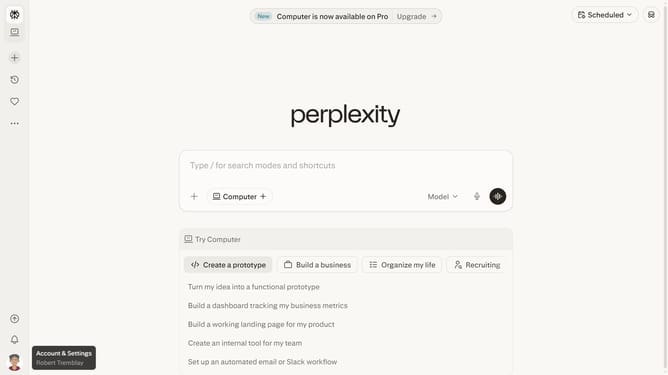
- First click on the account profile button in the sidebar
- Then click on "All settings" option in the profile menu
- Next click on "Notifications" item in the left sidebar
- Then scroll down to view the notifications page
- Then click on the "New Alert" button in the Price Alerts section
- Then click on the search field and type "Vanguard Total Intl Stock Idx Fund"
- Then select "Vanguard Total Intl Stock Idx Fund" from the search results
- Then click on the "Target Price" input field and enter the desired price value
- Finally click on the "Save" button to save the price alert
Why should you set price alert for Vanguard Total Intl Stock Idx Fund in Perplexity
Perplexity is your go-to tool for transforming complex information into simple insights effortlessly.
Setting a price alert for the Vanguard Total Intl Stock Idx Fund in Perplexity keeps you informed about crucial stock movements.
By staying updated with price fluctuations, you can make smarter investment decisions and optimize your financial portfolio.
The peace of mind offered by Perplexity's features ensures you never miss an opportunity or risk due to unexpected stock changes.
Last update