How to set price alert for NLC India Limited in Perplexity
Here is how to set price alert for nlc india limited in perplexity
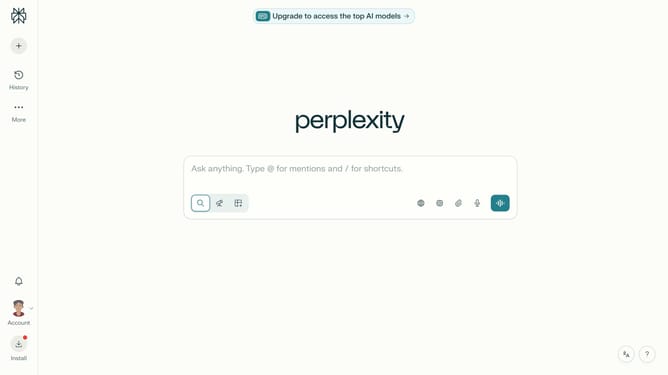
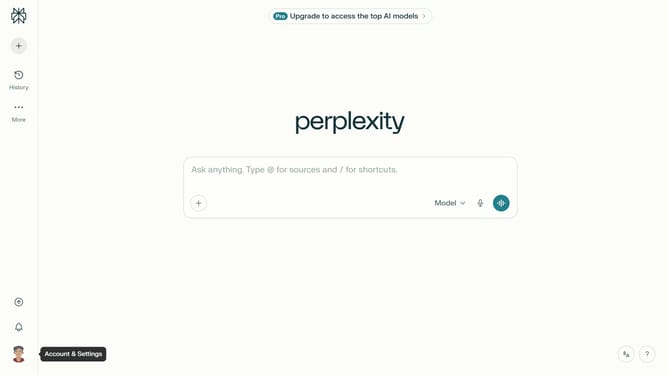
- First click on the account profile button in the sidebar
- Then click on "All settings" option in the settings menu
- Next click on "Notifications" option in the left sidebar
- Then scroll down the page to view more notification options
- Next click on "New Alert" button in the Price Alerts section
- Then click on the search field and type "NLC India Limited"
- Next click on the "NLC India Limited" from the dropdown results
- Then click on the target price input field and modify it to your desired price value
- Finally click on the "Save" button to save the price alert
Why should you set price alert for NLC India Limited in Perplexity
Perplexity serves as an intuitive assistant for streamlined information tracking and management.
With Perplexity, setting a price alert for NLC India Limited becomes effortlessly efficient. This feature empowers users to stay timely informed by receiving instant notifications whenever the stock price hits a specified threshold.
Utilizing this service ensures you remain proactive in your investment strategies, facilitating smarter financial decisions. By deploying price alerts, you can optimize your portfolio management without constant market monitoring, thus saving time and enhancing productivity.
This makes Perplexity an invaluable tool for investors looking to track NLC India Limited's performance with ease and precision.
Last update