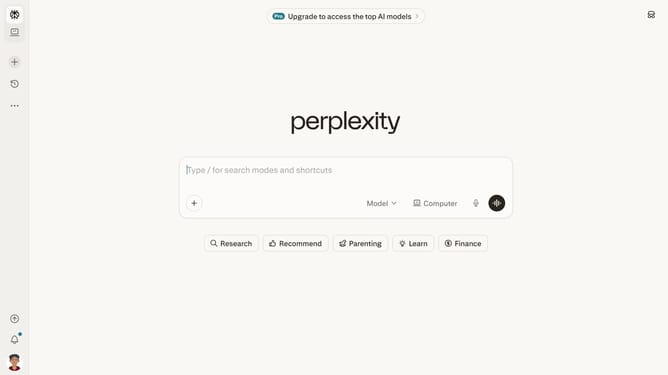
How to set price alert for Vanguard Small-Cap ETF in Perplexity
Here is how to set price alert for vanguard small-cap etf in perplexity
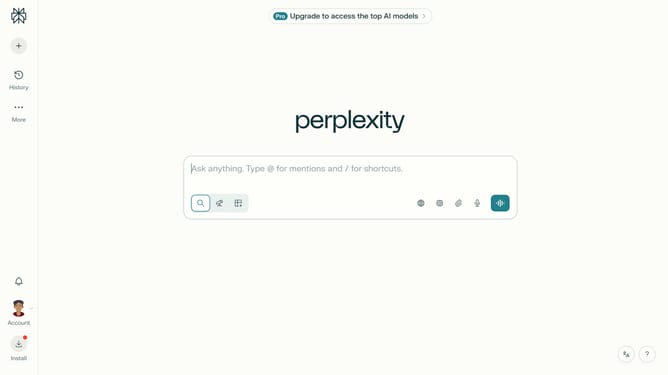
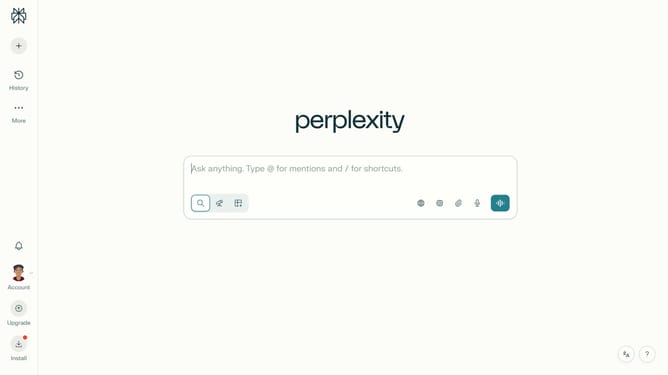
- First click on the account profile button in the left sidebar
- Then click on "All settings" option in the user menu
- Then click on "Notifications" item in the left sidebar
- Then scroll down the notifications page to view more options
- Then click on "New Alert" button in the Price Alerts section
- Then click on the search field and type "Vanguard Small-Cap ETF"
- Then select "Vanguard Small-Cap ETF" from the dropdown results
- Next click on the target price input field and modify it to your desired price value
- Finally click on "Save" button to confirm the price alert
Why should you set price alert for Vanguard Small-Cap ETF in Perplexity
Perplexity offers intuitive tools to streamline your investment tracking.
Setting a price alert for the Vanguard Small-Cap ETF in Perplexity is straightforward, ensuring you stay informed of any significant price changes without constantly watching the market.
By utilizing this feature, investors can monitor their assets passively, optimizing time management while being ready to act on potential market opportunities.
This capability empowers you to maintain strategic oversight over your investments with minimal effort, fostering peace of mind and informed decision-making.
Last update