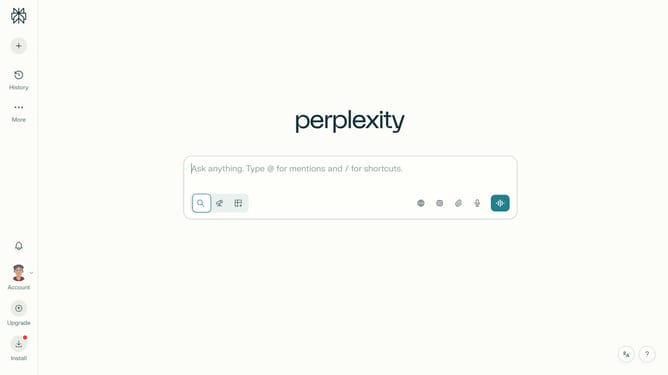
How to set price alert for CNH Industrial N.V. in Perplexity
Here is how to set price alert for cnh industrial n.v. in perplexity
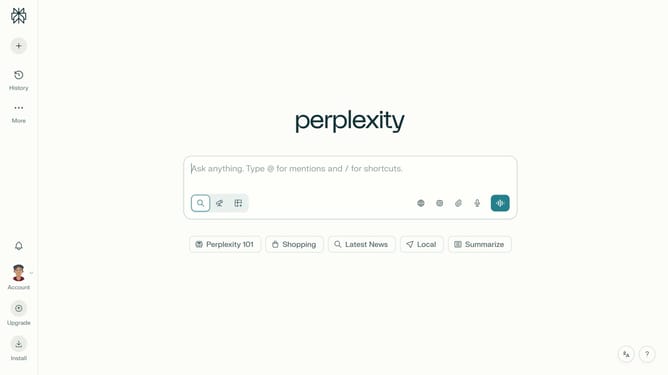
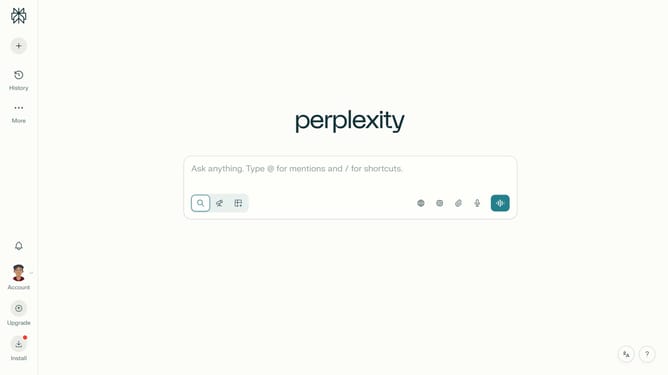
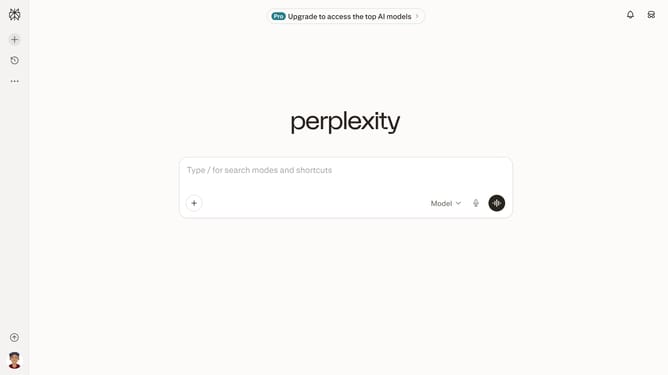
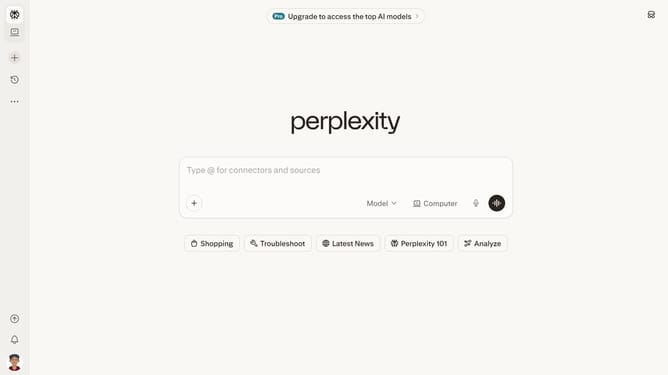
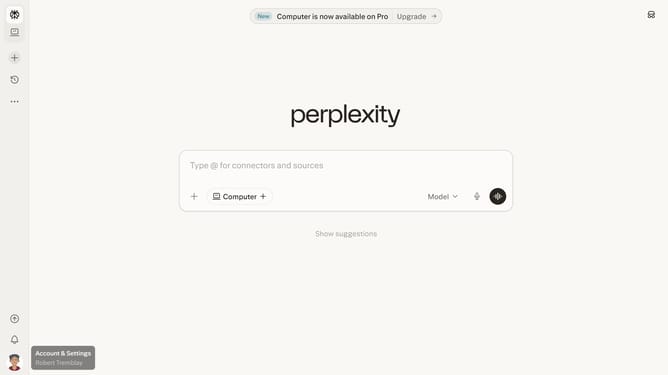
- First click on the account profile button in the sidebar
- Then click on "Notifications" option in the settings menu
- Next scroll down to view the Price Alerts section
- Then click on "New Alert" button to create a price alert
- Next click on the search field and type "CNH Industrial N.V."
- Then select "CNH Industrial N.V." from the dropdown results
- Next click on the target price input field and modify it to your desired price value
- Finally click on "Save" button to confirm the price alert
Why should you set price alert for CNH Industrial N.V. in Perplexity
Perplexity is a cutting-edge platform designed to simplify your information access and enhance productivity.
Setting a price alert for CNH Industrial N.V. in Perplexity enables you to stay up-to-date with market movements without constant monitoring.
This feature is invaluable for investors looking to make timely decisions, as it allows for immediate awareness of significant price changes.
With Perplexity, you gain the advantage of automation, ensuring you never miss crucial investment opportunities while optimizing your time efficiently.
Last update