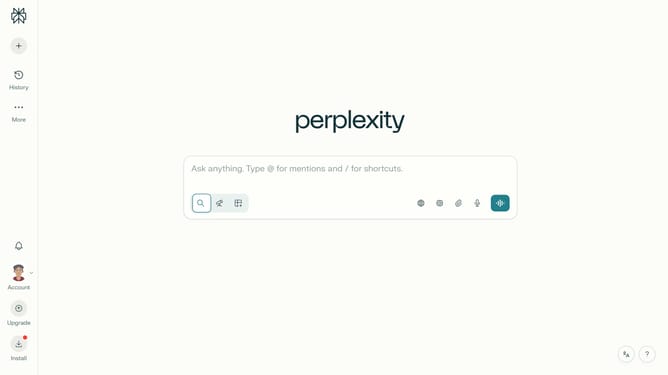
How to set price alert for Imperial Oil Limited in Perplexity
Here is how to set price alert for imperial oil limited in perplexity
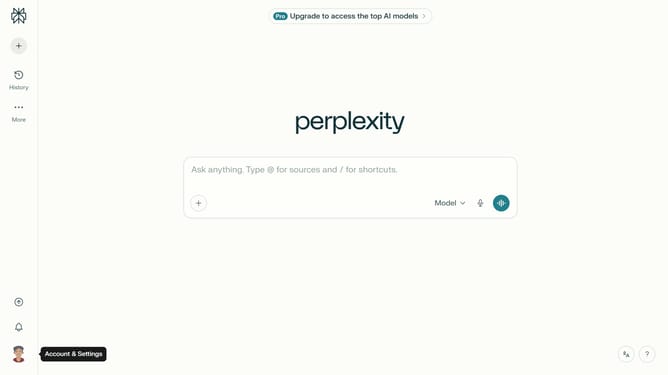
- First click on the profile button in the left sidebar
- Then click on the "Notifications" menu item in the account menu
- Then scroll down the notifications page to view the price alerts section
- Then click on the "New Alert" button in the price alerts section
- Then click on the asset search field and select "IperionX Limited" from the dropdown suggestions
- Next click on the "Imperial Oil Limited" from the dropdown results
- Then click on the "Target Price" input field and modify it based on your preferred amount
- Finally click on the "Save" button to create the price alert
Why should you set price alert for Imperial Oil Limited in Perplexity
Perplexity, a dynamic tool for tracking market trends, empowers users to stay informed with real-time data.
Setting a price alert for Imperial Oil Limited within Perplexity ensures you never miss critical price changes.
This feature offers a strategic advantage, allowing for timely decisions aligned with your investment goals.
Stay proactive in your financial strategies by leveraging timely notifications to make informed market moves effectively.
Last update