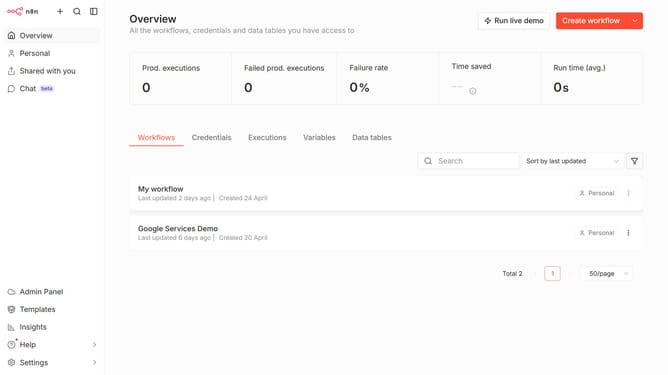
How to search users by name or email in n8n
Here is how to search users by name or email in n8n
- First click on "Settings" item in the left sidebar.
- Then click on "Users" item in the dropdown menu.
- Finally, click on the "Search" input field and enter the name of the user that you want to find.
Why should you search users by name or email in n8n
n8n is an intuitive workflow automation tool designed to connect various apps and streamline processes.
This dynamic platform empowers users to efficiently search for individuals by name or email, enhancing data accessibility and management.
Finding users swiftly can significantly improve collaboration, reduce response times, and increase productivity.
By utilizing n8n's search functionality, businesses can maintain smooth operations while keeping track of user information effectively.
Last update