How to resubscribe to all communications in Notion
Here is how to resubscribe to all communications in notion
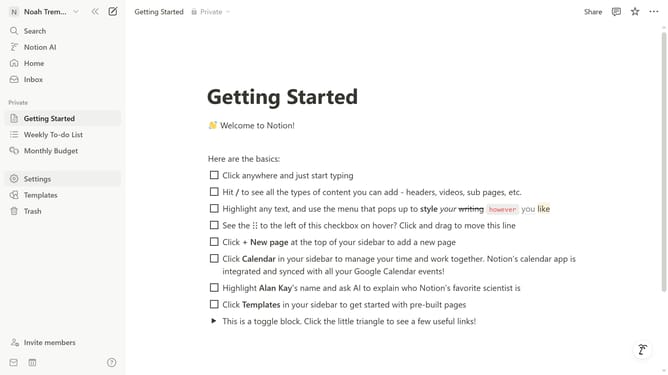
- First click on "Settings" link in the sidebar
- Then click on "Notifications" option in the Account section of the settings menu
- Next click on "Manage settings" button in the Email notifications section
- Then click on "Subscribe to all communications" button on the Communications Preferences page
- Finally click on "Save Changes" button at the bottom of the page
Why should you resubscribe to all communications in Notion
Notion is a versatile productivity tool designed to streamline your tasks, notes, and projects seamlessly.
Reconnecting with Notion's valuable updates and insights is possible through its resubscribe feature, ensuring you stay informed and engaged.
Leveraging this capability, users can effortlessly reignite their access to essential communications, enhancing their overall productivity and collaboration.
By keeping up with Notion's latest developments and improvements, you can optimize your workflow and maximize the potential of its comprehensive services.
Last update