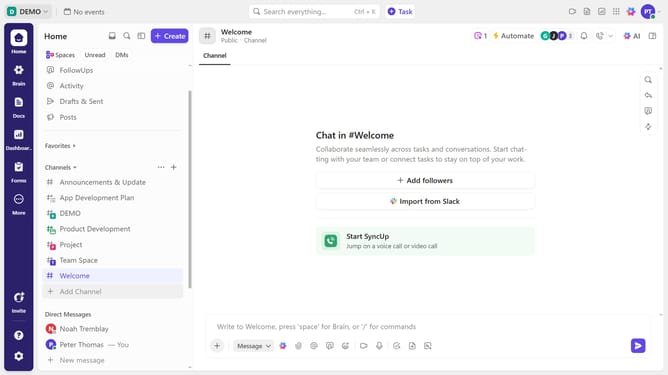
How to rename a checklist in ClickUp
Here is how to rename a checklist in clickup
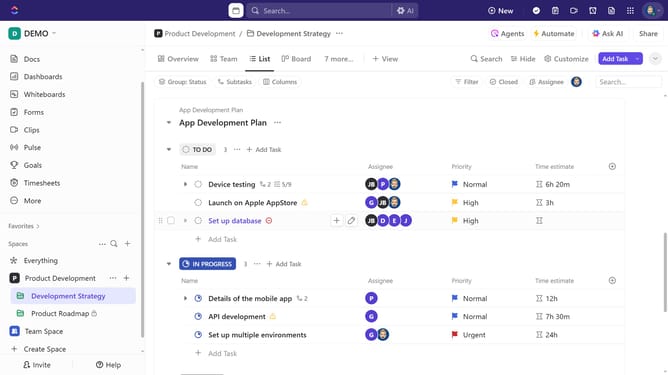
- First in the task list, find and click on the task containing the checklist you want to rename
- Then click in the task details, scroll down to the "Checklists" section
- Then click on the checklist name, type the new checklist name and press "Enter" to save
Why should you rename a checklist in ClickUp
ClickUp is a versatile productivity platform designed to streamline project management and team collaboration.
Renaming a checklist in ClickUp is a straightforward feature that enhances organization and clarity within your project tasks.
By giving your checklist a precise name, you can align it closely with specific project goals or phases, allowing for quicker reference and improved team communication.
Such customization not only helps in keeping your tasks well-organized but also ensures that every team member is on the same page, facilitating smoother workflows.
Last update