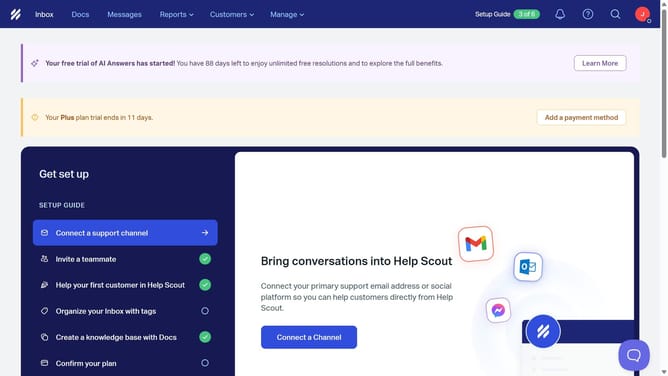
How to remove tag from a conversation in HelpScout
Here is how to remove tag from a conversation in helpscout
- First click on the "Inboxes" dropdown in the top navigation bar
- Then, click on the mailbox name that you want to open
- Next, click on the message that you want to manage
- Finally, click on the "X" icon next to the tag that you want to remove
Why should you remove tag from a conversation in HelpScout
Help Scout is a dynamic tool designed to streamline customer service interactions.
Removing a tag from a conversation in Help Scout can significantly enhance your team's ability to stay organized. By decluttering unnecessary or outdated tags, your support team can access and navigate conversations more efficiently.
This feature ensures that your conversations remain relevant and focused, improving response times and ensuring that your team addresses the most pertinent customer queries with clarity and speed.
Last update