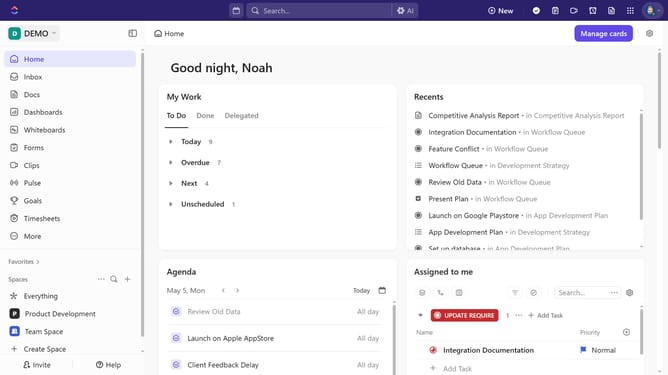
How to remove someone from a private Space in ClickUp
Here is how to remove someone from a private space in clickup
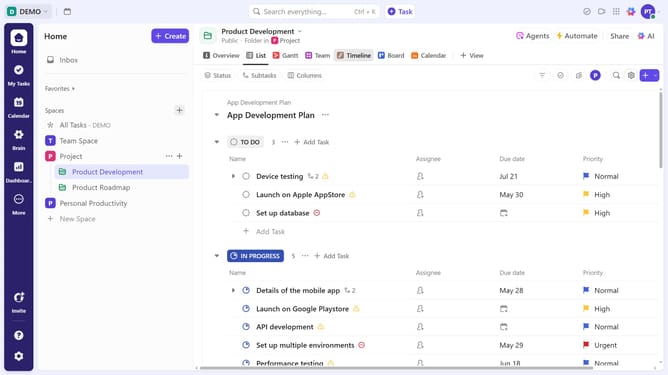
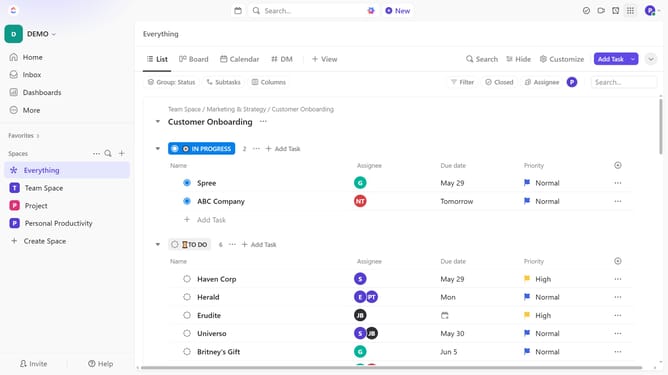
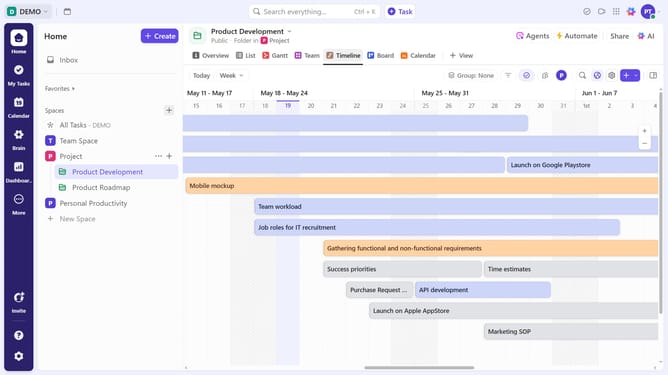
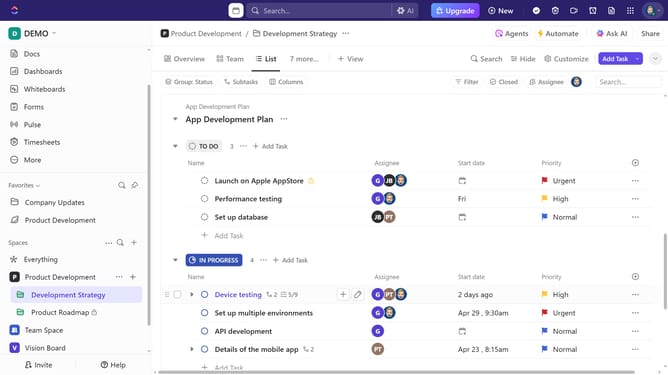
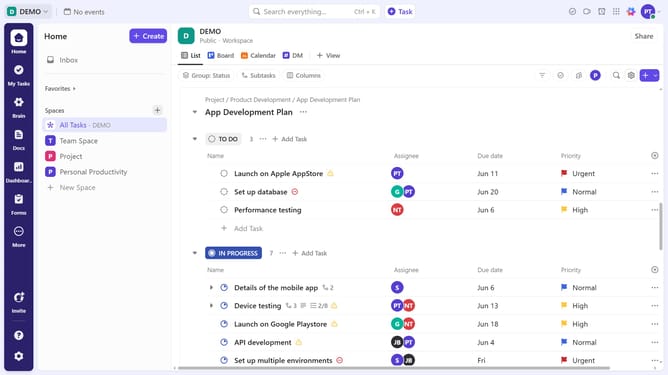
- First locate the private Space in the left sidebar under the Spaces section
- Next hover over it and click on the "More options" menu (three dots)
- Click on "Sharing & Permissions" option in the dropdown menu
- In the sharing dialog, click on the "People" dropdown
- Finally, click the toggle next to the team member's name to remove them
Why should you remove someone from a private Space in ClickUp
ClickUp is a versatile productivity platform designed to streamline project management.
One of its essential features is the ability to manage membership within private Spaces. This feature allows you to maintain the confidentiality and relevance of the information shared by controlling who can access these Spaces.
Removing a member from a private Space enhances security and ensures only the right collaborators are in the loop. This keeps your workflow efficient and focused, avoiding unnecessary distractions.
Last update