How to remove default Cohere chat provider credential in n8n
Here is how to remove default cohere chat provider credential in n8n
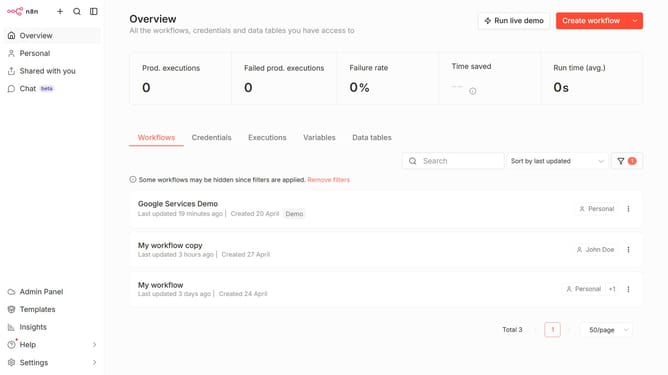
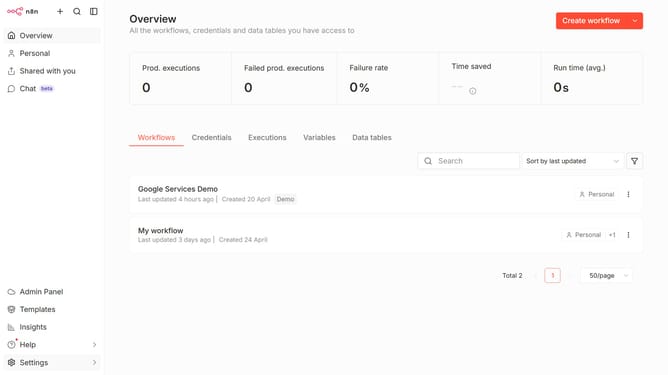
- First click on "Settings" item in the left sidebar
- Then select "Chat" from the expanded menu in the left sidebar
- Next, click on the three dots icon to the right of Cohere
- Then click on the "Edit provider" button
- After that, click on the "X" icon to remove the linked credential
- Finally, click on the "Confirm" button in the confirmation dialog
Why should you remove default Cohere chat provider credential in n8n
n8n is a versatile workflow automation tool designed to enhance connectivity and productivity across various applications.
Removing the default Cohere chat provider credential in n8n is a beneficial feature that offers users the flexibility to customize their workflows seamlessly.
By eliminating default credentials, users can enhance their data security and have more control over the integrations they implement.
This feature empowers individuals and businesses to tailor their automation processes, ensuring compatibility with their unique requirements and fostering a more efficient operational environment.
Last update