How to remove app Slack to an existing Shopify scenario in Make
Here is how to remove app slack to an existing shopify scenario in make
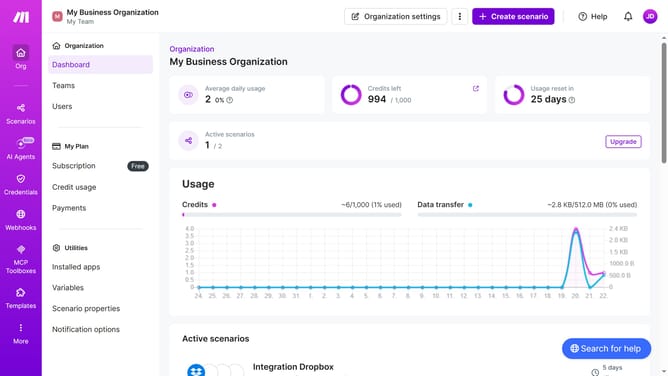
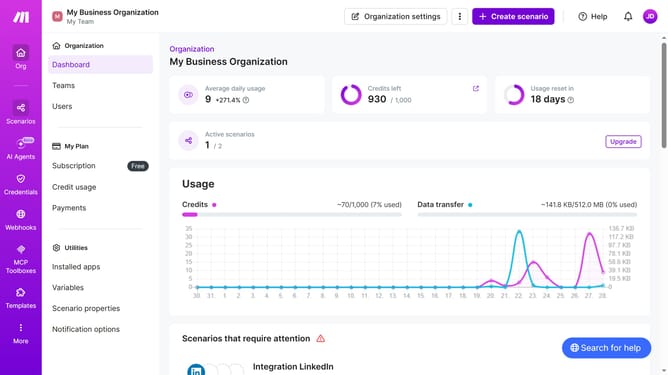
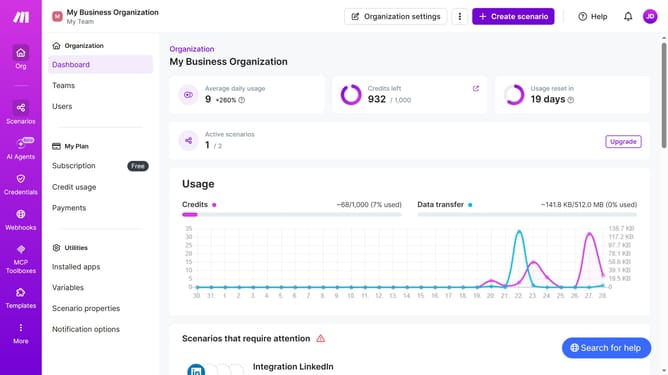
- First click on "Scenarios" in the left sidebar
- Then click on the "Shopify" scenario in the list
- Next, click on the "Edit" button in the top right corner
- Right-click on the "Slack" module in the scenario editor
- Then select the "Delete" option from the context menu
- Finally, click on the "Save" icon in the bottom toolbar
Why should you remove app Slack to an existing Shopify scenario in Make
Make is a dynamic platform designed to streamline workflows by seamlessly connecting apps and automating tasks.
Removing the Slack app from an existing Shopify scenario in Make can enhance operational efficiency by decluttering unnecessary integrations.
This feature allows you to focus on essential components, ensuring that your Shopify scenario operates smoothly without redundant app connections.
Using this feature increases productivity by simplifying workflows and ensuring that only relevant apps remain, optimizing the overall process.
Last update