How to receive real-time desktop notifications for email opens, clicks, and downloads in Mixmax
Here is how to receive real-time desktop notifications for email opens, clicks, and downloads in mixmax
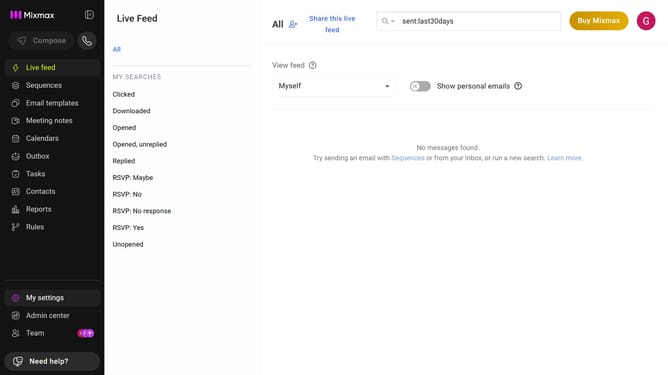
- First click on "My settings" in the sidebar
- Next click on "Tracking" in the settings menu
- Then locate the "Notifications" section
- Finally click on the checkbox next to "Real-time desktop notifications for opens, clicks and downloads" to enable real-time desktop notifications
Why should you receive real-time desktop notifications for email opens, clicks, and downloads in Mixmax
Mixmax is a powerful platform designed to supercharge your email communications and productivity.
Receive real-time desktop notifications from Mixmax for email opens, clicks, and downloads, ensuring you stay informed and responsive. This feature empowers users by providing instant feedback on recipient engagement, allowing you to act swiftly on important communications.
By using this feature, you can enhance follow-up timing, tailor further interactions, and increase overall effectiveness in your email strategy.
Last update