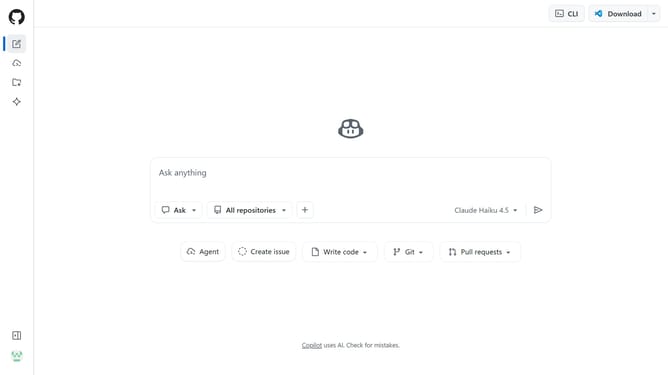
How to invite a person to a space in GitHub Copilot
Here is how to invite a person to a space in github copilot
- First click on the "Copilot" button in the top navigation bar
- Next click on "Spaces" option in the left sidebar
- Find the space you want to share
- Then click on the three-dot menu button for the space
- Click on "Share" option from the dropdown menu
- Enter the name or username of the person you want to invite
- Click on the search result that matches the person
- Then click on the role dropdown next to it
- Finally select a role for the person from the dropdown menu
Why should you invite a person to a space in GitHub Copilot
GitHub is the go-to platform for developers to collaborate on coding projects and streamline the software development process.
Inviting someone to a space in GitHub Copilot allows you to seamlessly integrate their expertise into your project. By establishing shared spaces, you foster a more inclusive and cooperative environment where diverse ideas can thrive.
This feature enhances productivity and creativity, ensuring that every team member is on the same page and contributing effectively to the project's success.
Last update