How to access Copilot Chat from the search bar on GitHub
Here is how to access copilot chat from the search bar on github
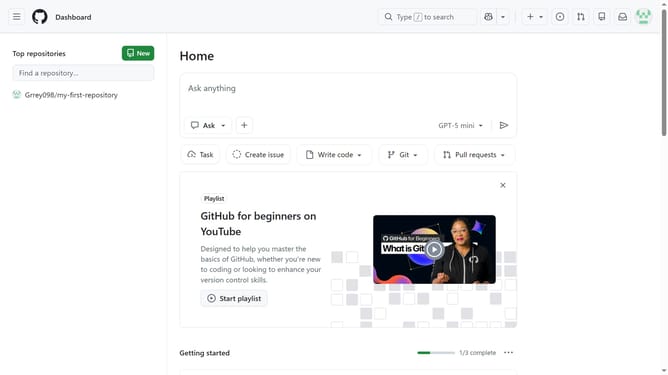
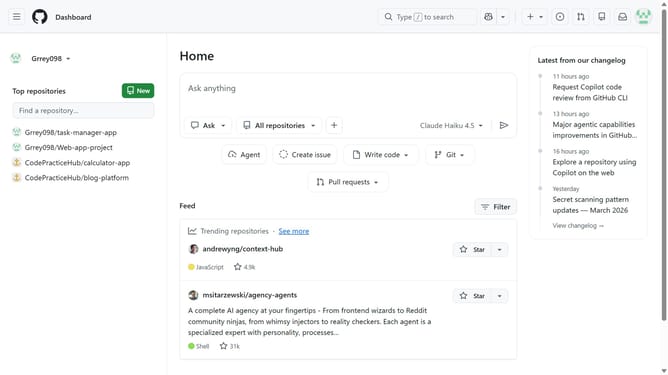
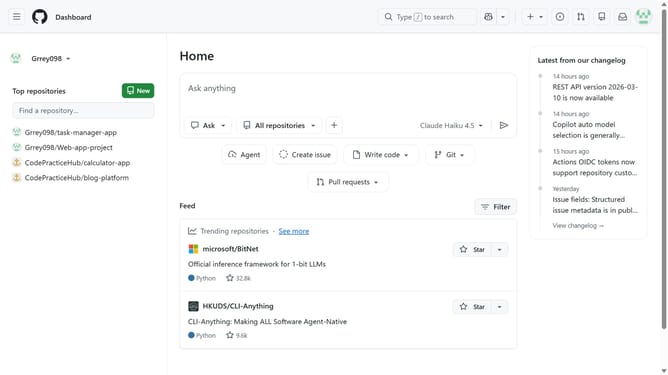
- First click on the search bar in the top navigation bar
- Then click on "Chat with Copilot" option in the search dropdown menu
- Finally you will be taken to Copilot Chat where you can begin interacting with Copilot
Why should you access Copilot Chat from the search bar on GitHub
GitHub is the go-to platform for developers to collaborate and create software seamlessly.
Accessing Copilot Chat directly from the search bar on GitHub enhances productivity by providing instant assistance. This feature streamlines your workflow by offering quick solutions and insights as you type, making coding less of an isolated task and more of an interactive experience.
The integration of Copilot Chat promotes efficient problem-solving, helping you overcome challenges without leaving your current workspace. By reducing interruptions and fostering continuous focus, it ensures that developers can maintain momentum and achieve their coding goals swiftly.
Last update