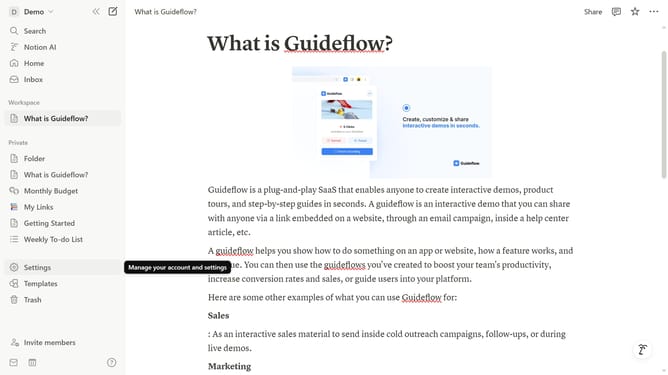
How to integrate Whimsical in Notion
Here is how to integrate whimsical in notion
- First click on "Settings" in the sidebar
- Then click on "Connections" in the settings navigation menu
- Next click on "See all" button to view all available connections
- Finally click on "Connect" button for the Whimsical integration
Why should you integrate Whimsical in Notion
Notion is a versatile workspace designed to streamline your thoughts, projects, and ideas into a cohesive, organized structure.
Integrating Whimsical into Notion allows you to enhance your workspace with visually engaging diagrams, mind maps, and flowcharts. By embedding Whimsical's creative tools, you can brainstorm more effectively within Notion's flexible environment.
This integration fosters a seamless flow of creativity and efficiency, making project management more intuitive and visually appealing with minimal effort.
Last update