How to integrate Specter in Attio
Here is how to integrate specter in attio
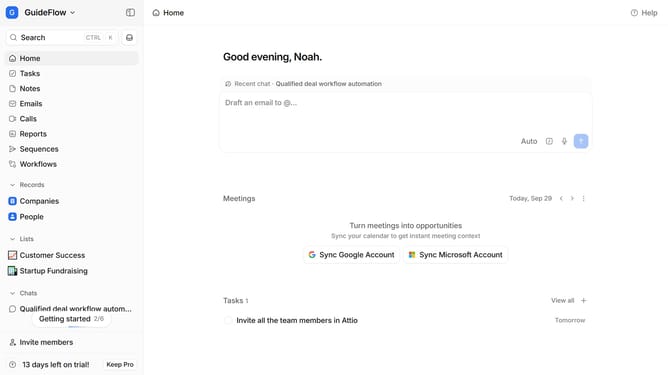
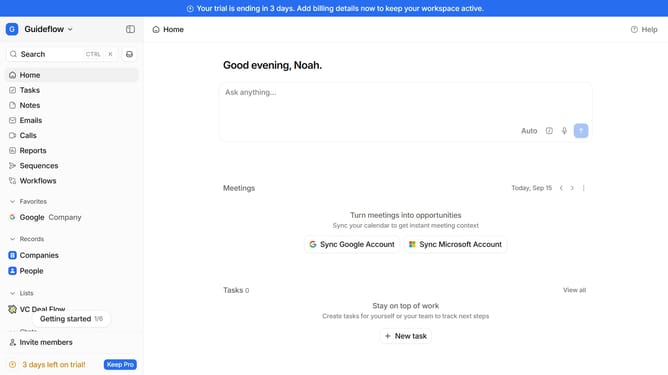
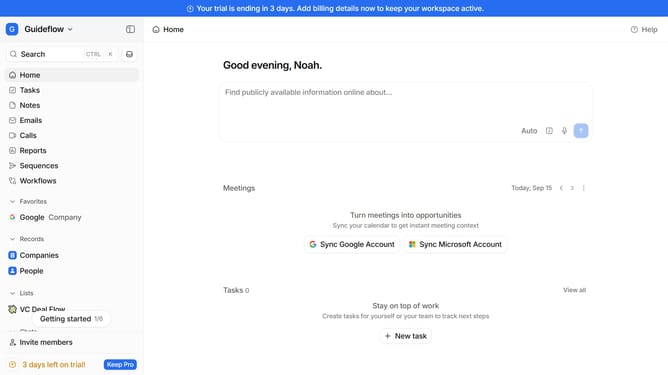
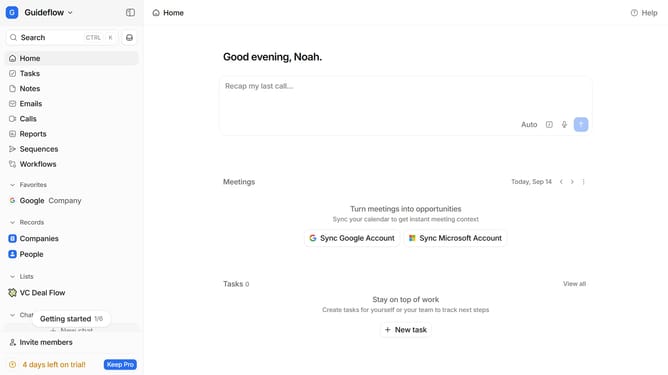
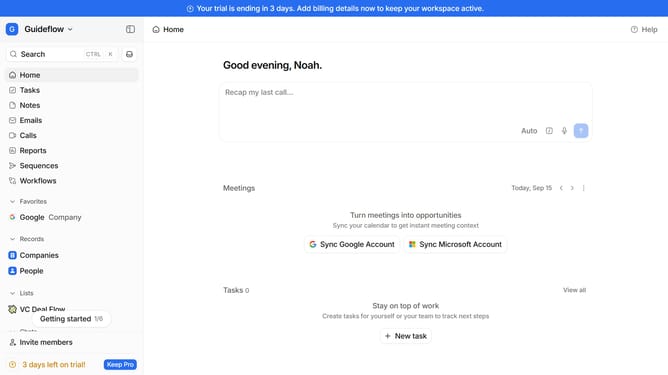
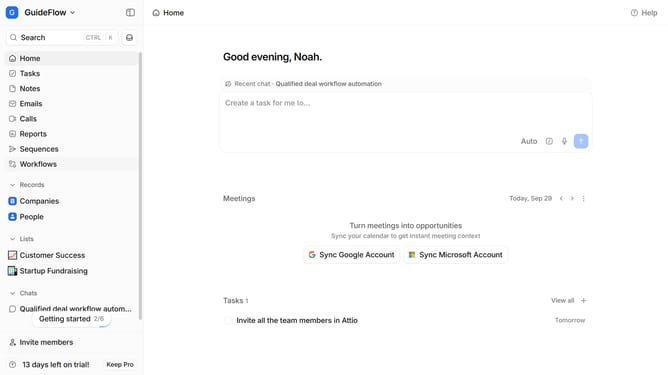
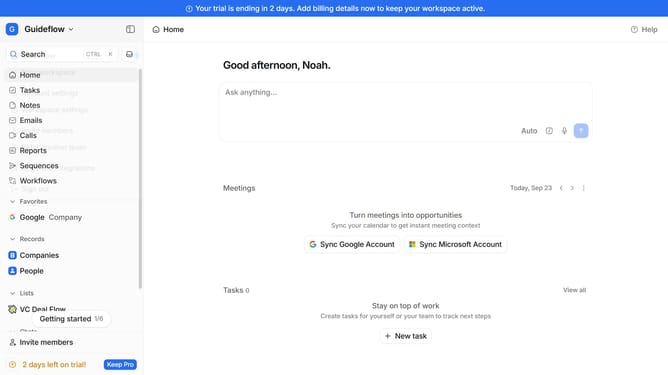
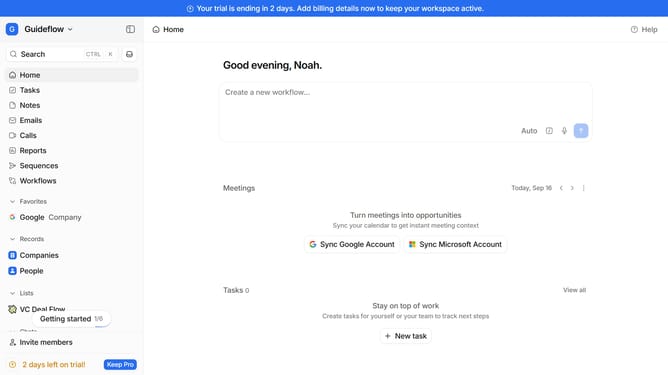
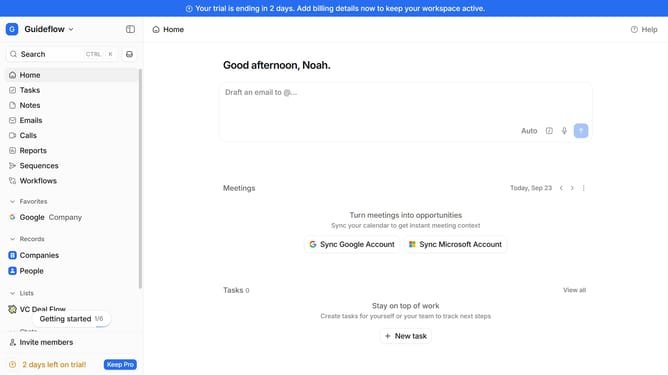
- First click on the company name dropdown button in the header
- Then click on "Apps and integrations" in the sidebar
- Next, select "Data and enrichment" from the list in the sidebar
- After that, click on the "View All" button under the "Data and enrichment" section
- Then click on the "Specter" application card
- Finally, click the “Install” button, log in to your Specter account, and continue with the configuration to complete the integration
Why should you How to integrate Specter in Attio
Attio is a dynamic CRM platform designed to streamline relationships and organize data intuitively.
Integrating Specter into Attio enhances its capabilities by seamlessly importing contact data from various sources. This feature allows users to automatically capture and update information, ensuring that the database remains accurate and current.
Utilizing Specter with Attio not only saves time but also optimizes efficiency, enabling teams to focus more on nurturing relationships. The integration empowers users with a holistic view of their contacts, fostering informed decision-making and strengthening connections.
Last update