How to integrate Helios in Attio
Here is how to integrate helios in attio
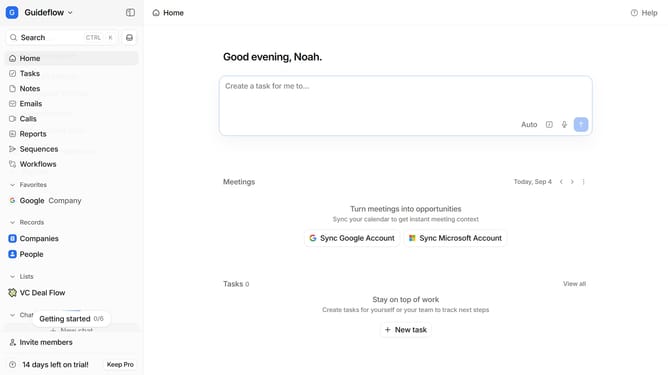
- First click on the company name dropdown button in the header
- Then click on the apps and integrations in the dropdown
- Next, scroll down in the "Apps and integrations" page
- Then click on the "View All" button under the Automations section
- Next click on the "Helios" app card
- Finally, click the “Install” button, log in to your Helios account, and continue with the configuration to complete the integration
Why should you How to integrate Helios in Attio
Attio revolutionizes how businesses manage relationships by offering a dynamic, cloud-based CRM platform.
Integrating Helios into Attio enhances your workflow by seamlessly connecting vital data streams, ensuring you have up-to-date insights at your fingertips. This integration simplifies data synchronization, providing a more coherent and comprehensive view of your interactions and customer relationships.
Utilizing Helios within Attio means fostering better collaboration, improving data accuracy, and empowering your team to make informed decisions with real-time information. Experience a more connected and efficient CRM experience with this powerful integration.
Last update