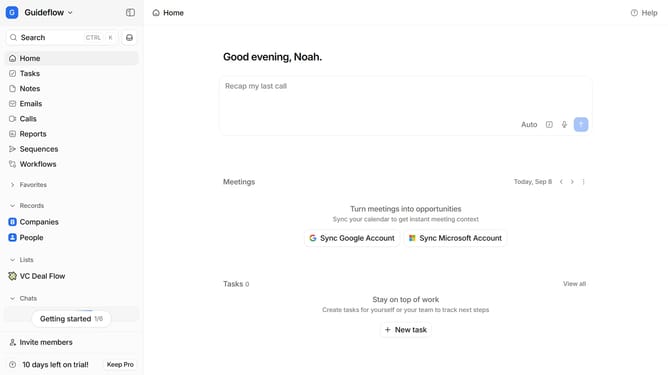
How to integrate Tapni in Attio
Here is how to integrate tapni in attio
- First click on the company name dropdown button in the header
- Then click on "Apps and integrations" in the left sidebar
- Next click on "Data and enrichment" in the left sidebar
- Then click on the "View All" button under the "Data and enrichment" section
- Next click on the "Tapni" application card
- Finally, click the “Install” button, log in to your Tapni account, and continue with the configuration to complete the integration
Why should you How to integrate Tapni in Attio
Attio is a cutting-edge relationship management platform designed to enhance collaboration and streamline workflows.
Integrating Tapni with Attio offers a seamless experience that enhances your networking capabilities. Tapni adds a layer of efficiency by enabling quick digital contact sharing and tracking within Attio.
By using Tapni in Attio, you can effortlessly manage contacts and interactions, save time, and elevate your networking strategy. This integration ensures that all your connections are effectively organized and easily accessible, improving overall productivity and relationship management.
Last update