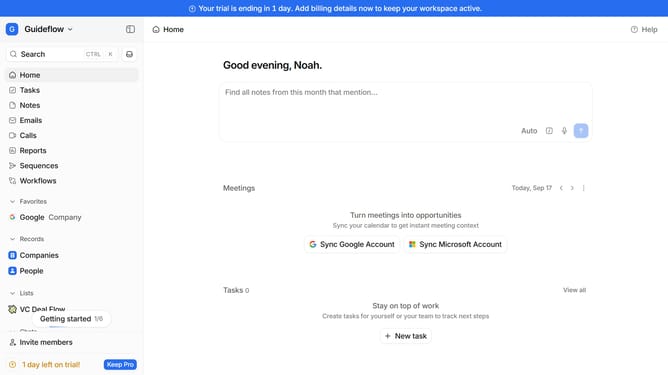
How to integrate ViaCSV in Attio
Here is how to integrate viacsv in attio
- First click on the company name dropdown menu
- Then click on "Apps and integrations" in the sidebar menu
- Next, click on "Data and enrichment" in the sidebar menu
- After that, click on the "View All" button under the "Data and enrichment" section
- Then click on the "ViaCSV" application card
- Finally, click the “Install” button, log in to your ViaCSV account, and continue with the configuration to complete the integration
Why should you How to integrate ViaCSV in Attio
Attio is a dynamic CRM platform designed to transform how you manage relationships and data.
Integrating ViaCSV into Attio streamlines data importation, allowing for the effortless organization of your contacts. This feature enables you to bring in bulk data from CSV files, simplifying the transition from other systems or starting fresh with existing datasets.
Using ViaCSV fosters a seamless data importing process, reducing manual entry and potential errors. It helps ensure your information is accurate and up-to-date, saving time and enhancing productivity.
Embrace the ease of integration with ViaCSV in Attio to optimize your workflow and focus on building and nurturing your valuable relationships.
Last update