How to integrate Origami in Attio
Here is how to integrate origami in attio
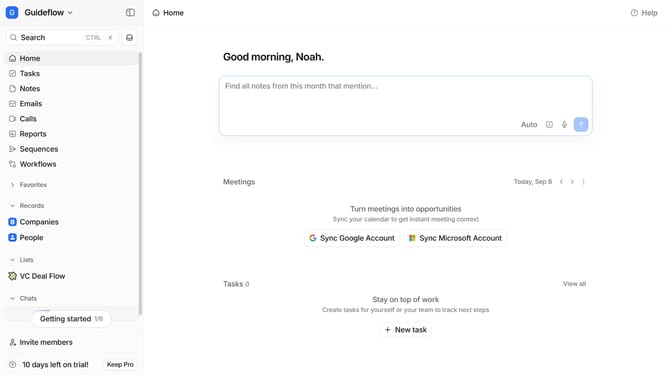
- First click on the company name dropdown button in the header
- Then click on "Apps and integrations" in the left sidebar
- Next click on "Data and enrichment" in the left sidebar
- Then click on the "View All" button under the "Data and enrichment" section
- Click on the "Origami" app in the main content area
- Finally, click the “Install” button, log in to your Origami account, and continue with the configuration to complete the integration
Why should you How to integrate Origami in Attio
Attio is an intuitive CRM that revolutionizes how teams manage relationships through dynamic data.
Integrating Origami into Attio enhances your workflow by adding seamless visualization capabilities. This integration simplifies the process of organizing and interpreting complex datasets, allowing you to transform raw data into actionable insights effortlessly.
Using Origami within Attio's features provides clarity and boosts efficiency, fostering more informed decision-making and streamlined operations. This synergy empowers teams to focus on what truly matters — building meaningful connections and driving growth.
Last update