How to integrate a workspace to Monday.com via Productivity in Typeform
Here is how to integrate a workspace to monday.com via productivity in typeform
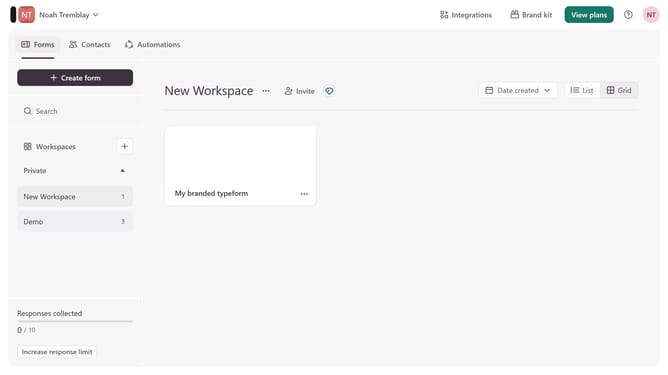
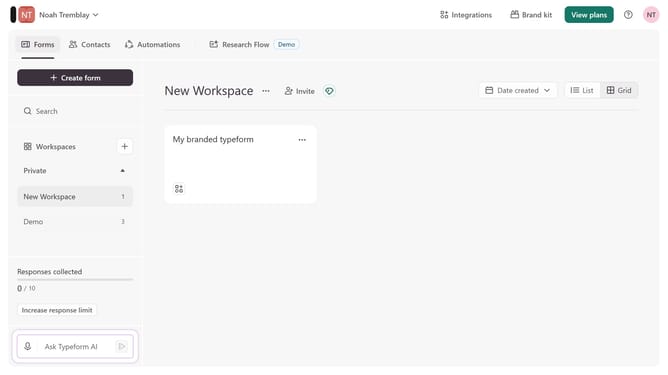
- First, click on a workspace in the left sidebar
- Then, click on the "Integrations" button in the top menu
- Next, click on the "Find an integration" button
- Then, click on the "Productivity" category in the left sidebar
- Finally, click on the "monday.com" integration
Why should you integrate a workspace to Monday.com via Productivity in Typeform
Typeform is a versatile tool designed to transform the way you collect and share information through interactive forms and surveys.
Integrating a workspace to Monday.com via the Productivity feature in Typeform seamlessly connects your data flow, minimizing manual entry and maximizing efficiency.
This integration allows teams to effortlessly track progress and updates, enhancing collaboration by ensuring that critical data is automatically updated and readily accessible to all members. Harnessing these tools together simplifies project management and boosts overall productivity.
Last update