Typeform
Typeform is a user-friendly form builder that creates interactive and engaging surveys and questionnaires.
Website
Industry
Form
Share this article:

How to add a Scheduler content to an existing form in Typeform

Here is how to add a scheduler content to an existing form in typeform

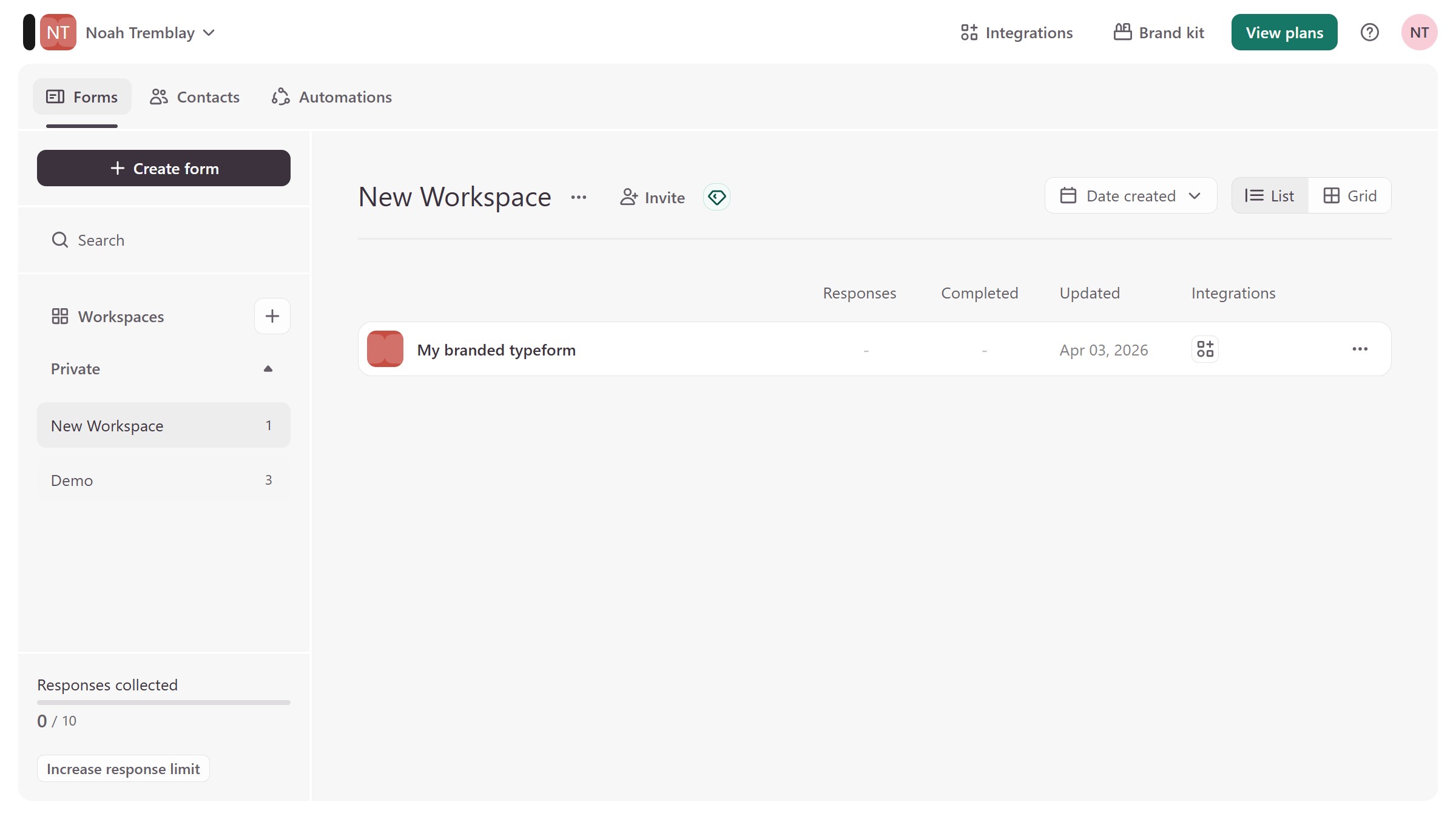
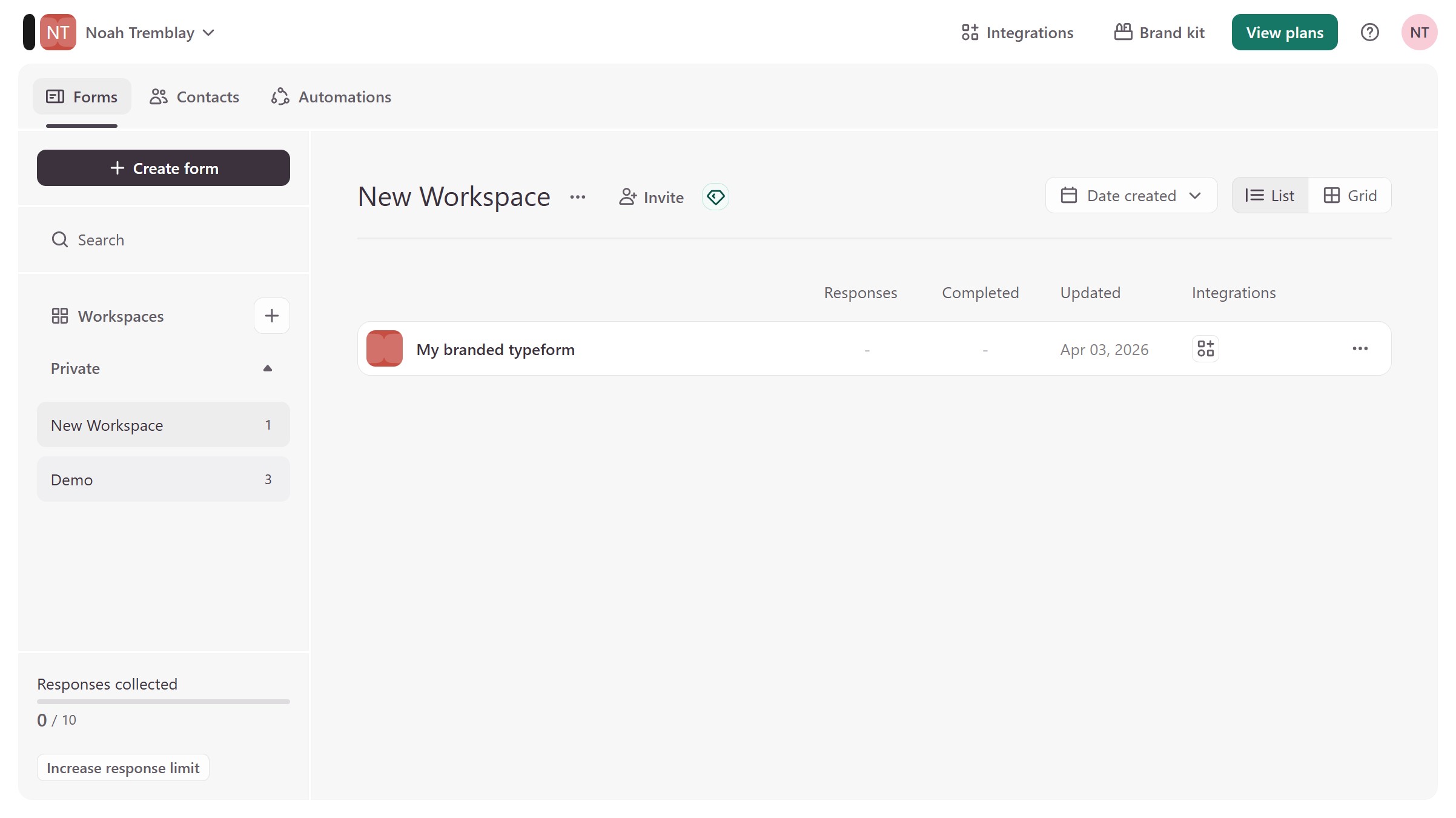
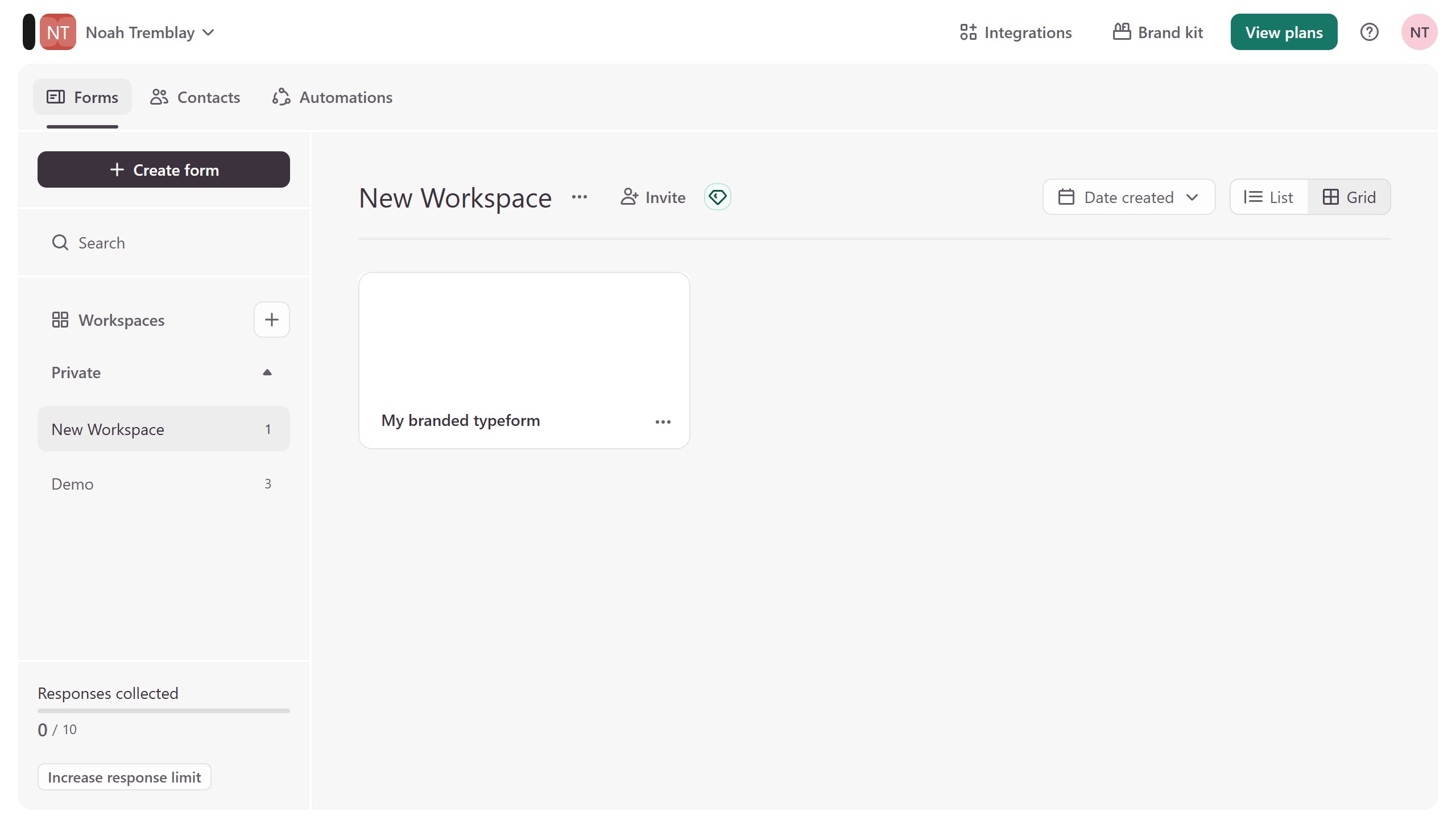
  1. First click on the a workspace item in the sidebar
  2. Then click on the "..." icon next to a chosen Typeform
  3. Then select "Content" from the dropdown menu
  4. Then click on the "+ Add content" button
  5. Finally select "Scheduler" from the "Other" section

Create your own interactive guide with Guideflow

Why should you add a Scheduler content to an existing form in Typeform

Typeform transforms the mundane into the delightful with engaging and interactive forms that captivate users.

Adding a Scheduler to an existing Typeform takes your form to the next level, enabling easy appointment scheduling and time management directly within the form experience.

This feature is particularly beneficial for streamlining processes and enhancing user convenience, making it easier to coordinate meetings, book services, or manage events seamlessly.

Integrate Scheduler content in your forms to improve productivity and user satisfaction, ensuring a smooth interaction that aligns with modern expectations.


Last update
August 3, 2026
Cursor MariaA cursor points to a button labeled "James."

Create your first demo in less than 30 seconds.