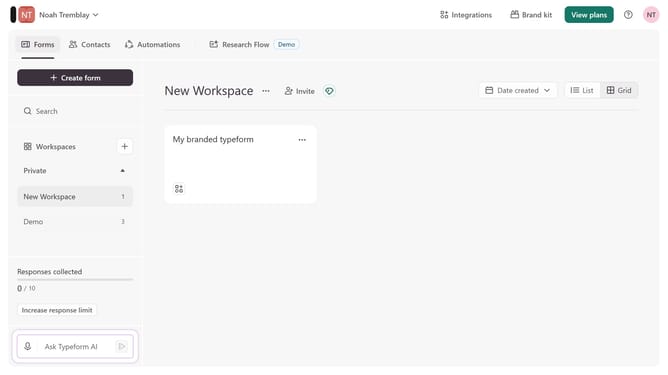
How to integrate a workspace to Constant Contact through Zapier in Typeform
Here is how to integrate a workspace to constant contact through zapier in typeform
- First click on a workspace in the left sidebar
- Then click on "Integrations" in the header menu
- Next click on the "Find an integration" button
- Finally click on the "Visit" button next to Constant Contact in the integrations list
Why should you integrate a workspace to Constant Contact through Zapier in Typeform
Typeform is an intuitive platform that enables users to create engaging and interactive forms effortlessly.
Integrating a workspace to Constant Contact through Zapier in Typeform is a powerful feature that streamlines your email marketing efforts by automating data transfer directly from your forms.
This integration enhances efficiency and ensures that your contact lists remain up-to-date, allowing you to focus on crafting compelling communication strategies. The seamless flow of data eliminates manual entry, reducing errors and saving valuable time.
The harmony between these tools enriches your marketing capabilities, making the process smooth and effective.
Last update